Voltar para casos de uso
Phase 3Função: Operations / Support / Compliance

UC7 · Daily operations & audit

The weekday-morning workflow once the operator is live: dashboard scan, operator list review, user lookup, KYC queue, blacklist management, audit logs, and tracking events.

After everything's set up and live, this is what the operator's day looks like. UC7 catalogues the seven core surfaces a working operator team touches every day.

What it covers

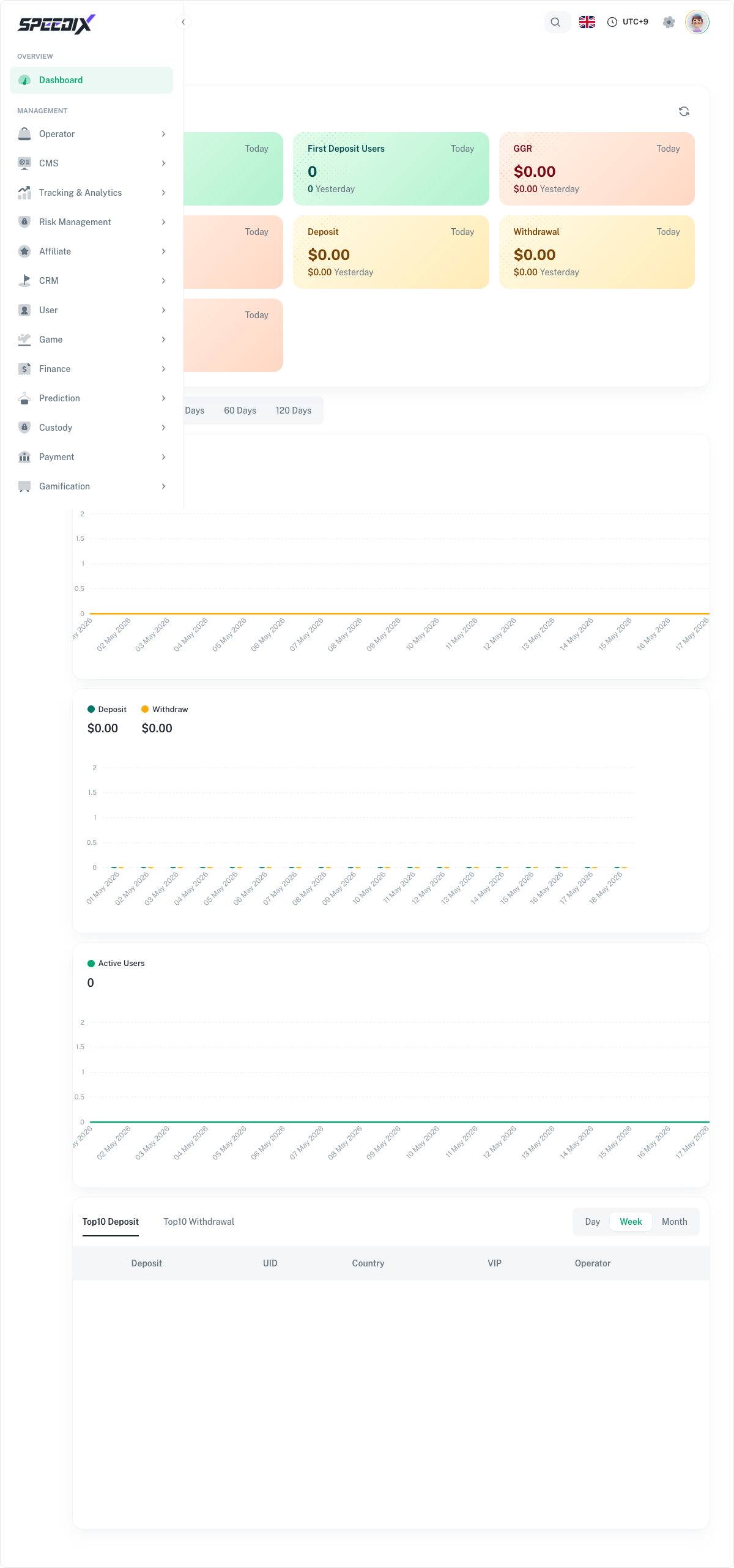
  • Dashboard. GGR, NGR, active players, deposit/withdraw flow, top games, top regions — the daily-scan view.
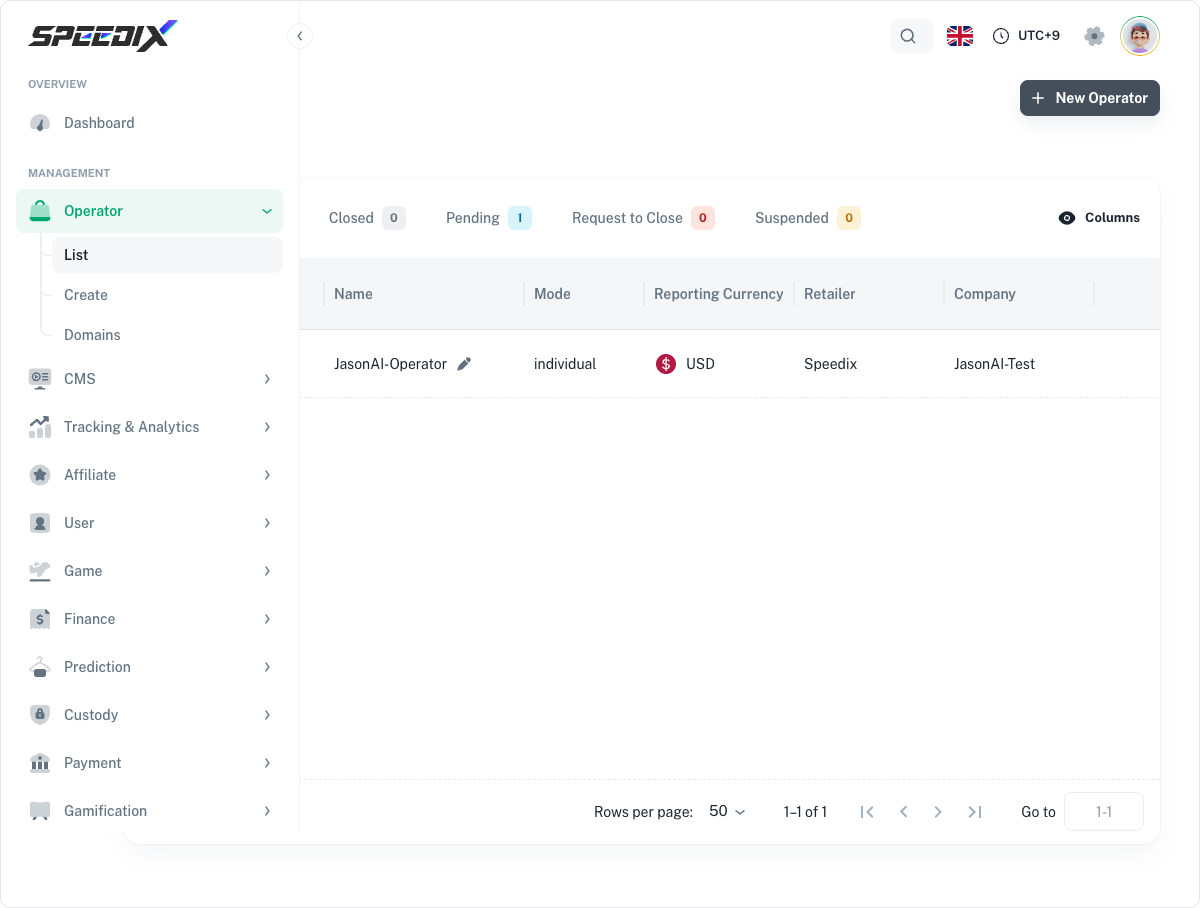
  • Operator list. Multi-operator view for Companies running multiple brands. Cross-operator metrics, balance overview, status flags.
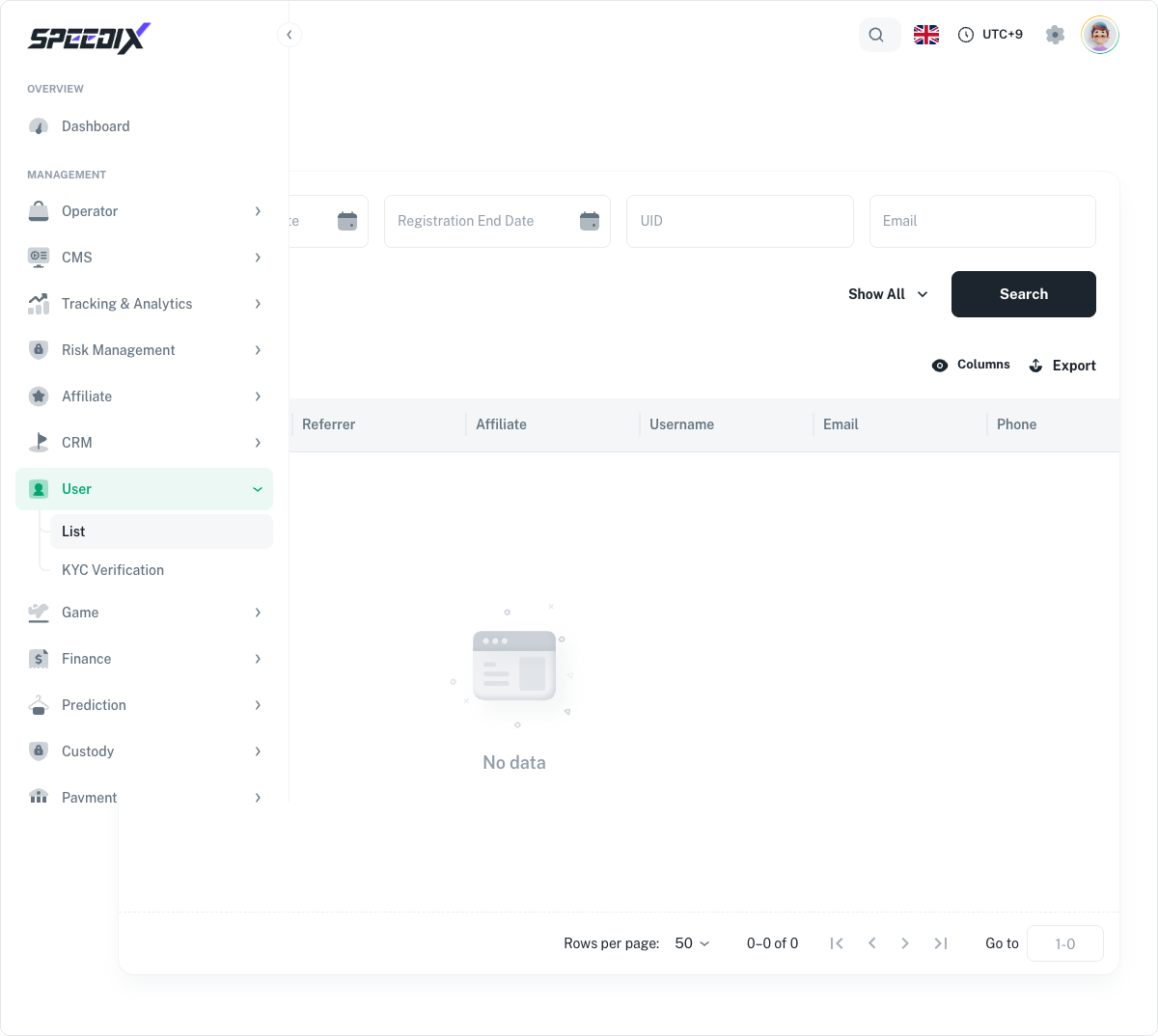
  • User lookup. Player search, profile view, balance history, bet history, KYC status, session history, support tickets.
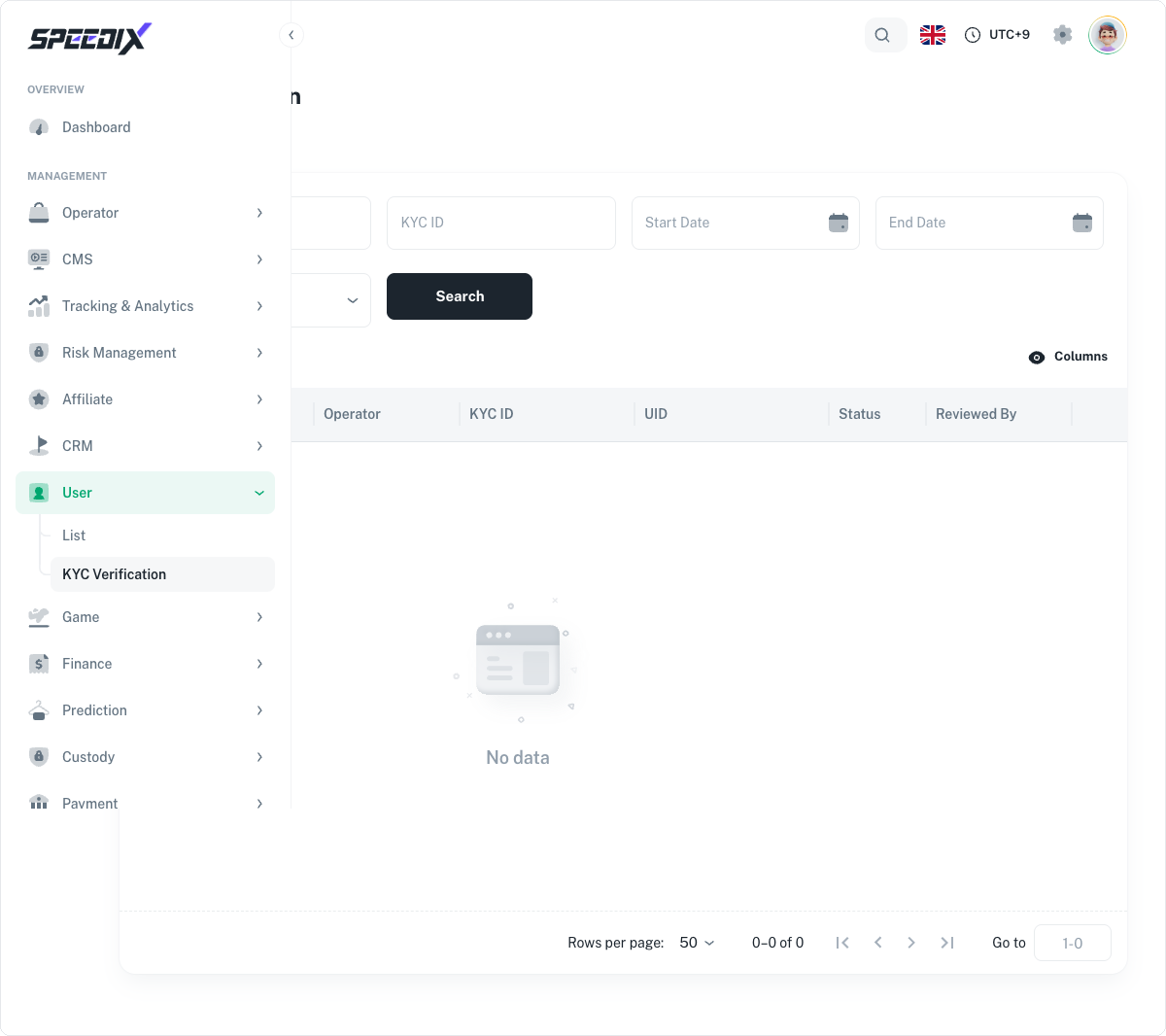
  • KYC queue. Pending document reviews, automated scoring, manual override workflow, audit trail.
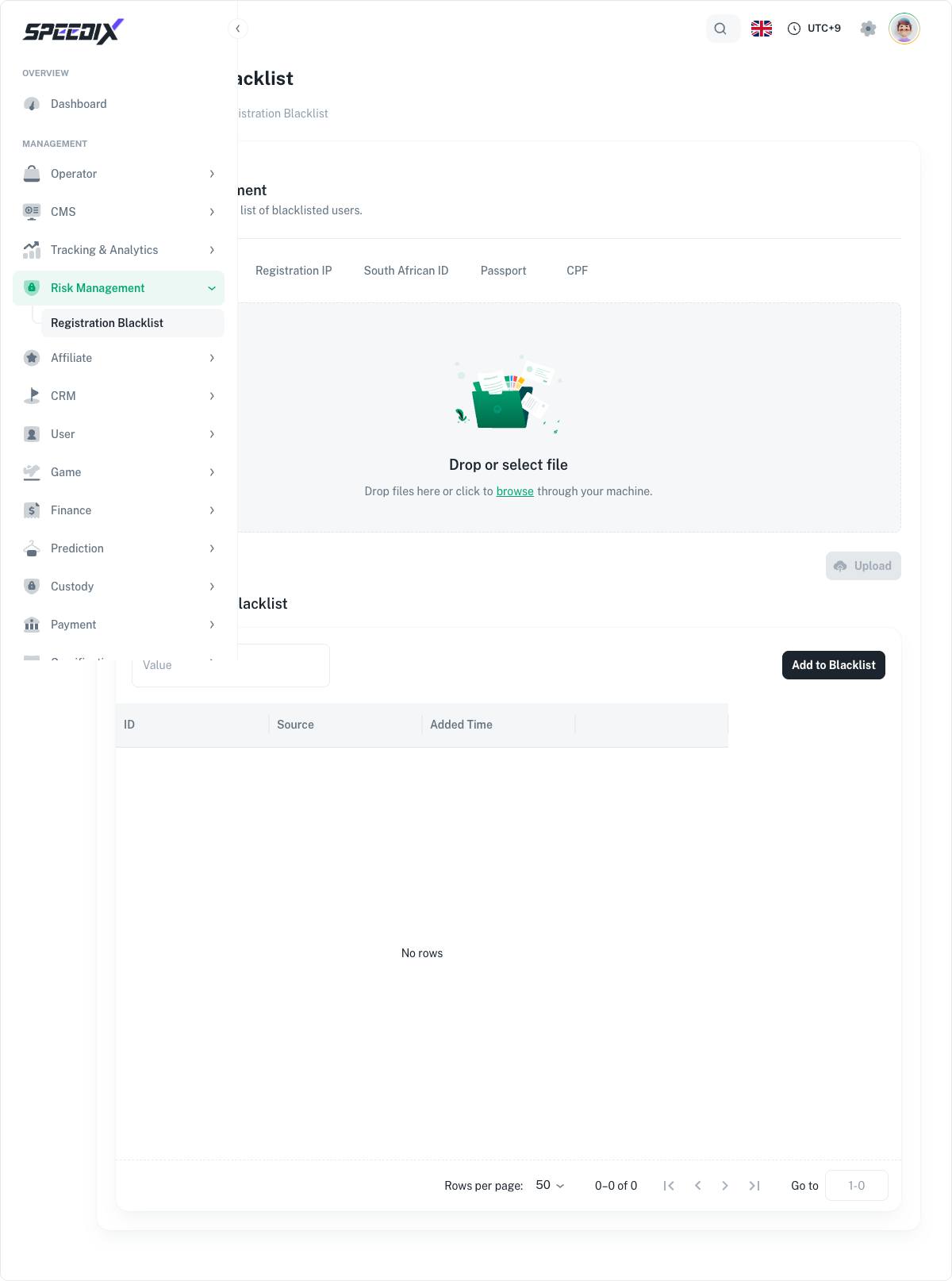
  • Blacklist management. Self-exclusion enforcement, manual blocks, cross-operator blacklist coordination.
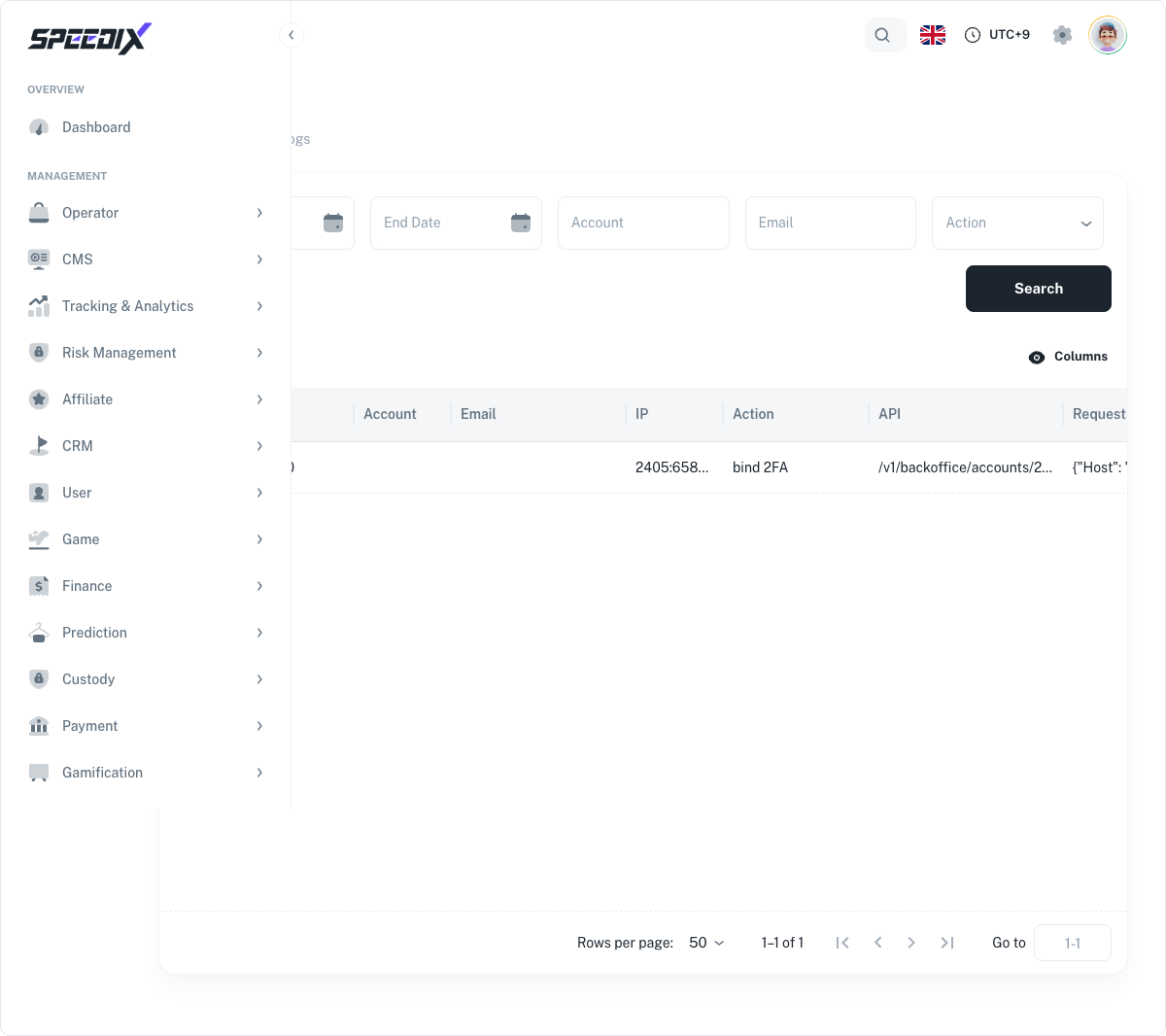
  • Audit logs. Every privileged action in the backoffice recorded with actor, target, timestamp, and before/after diff.
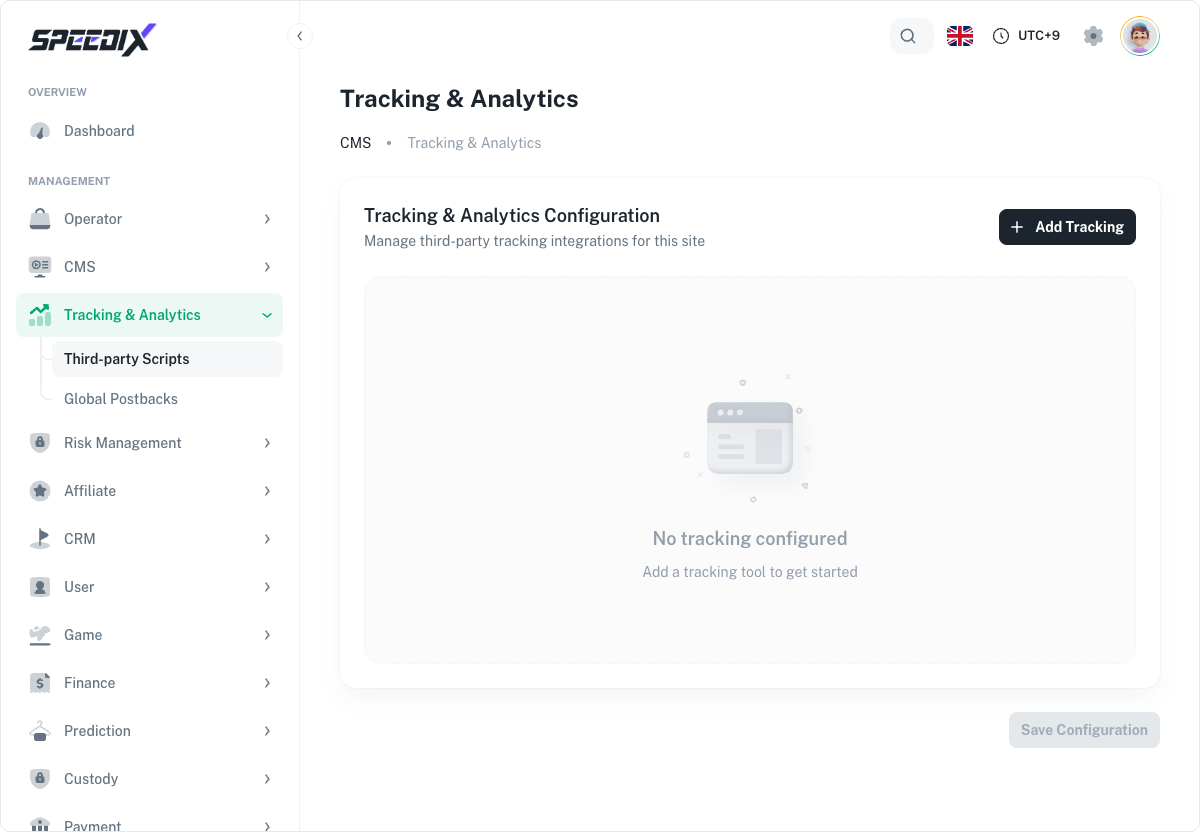
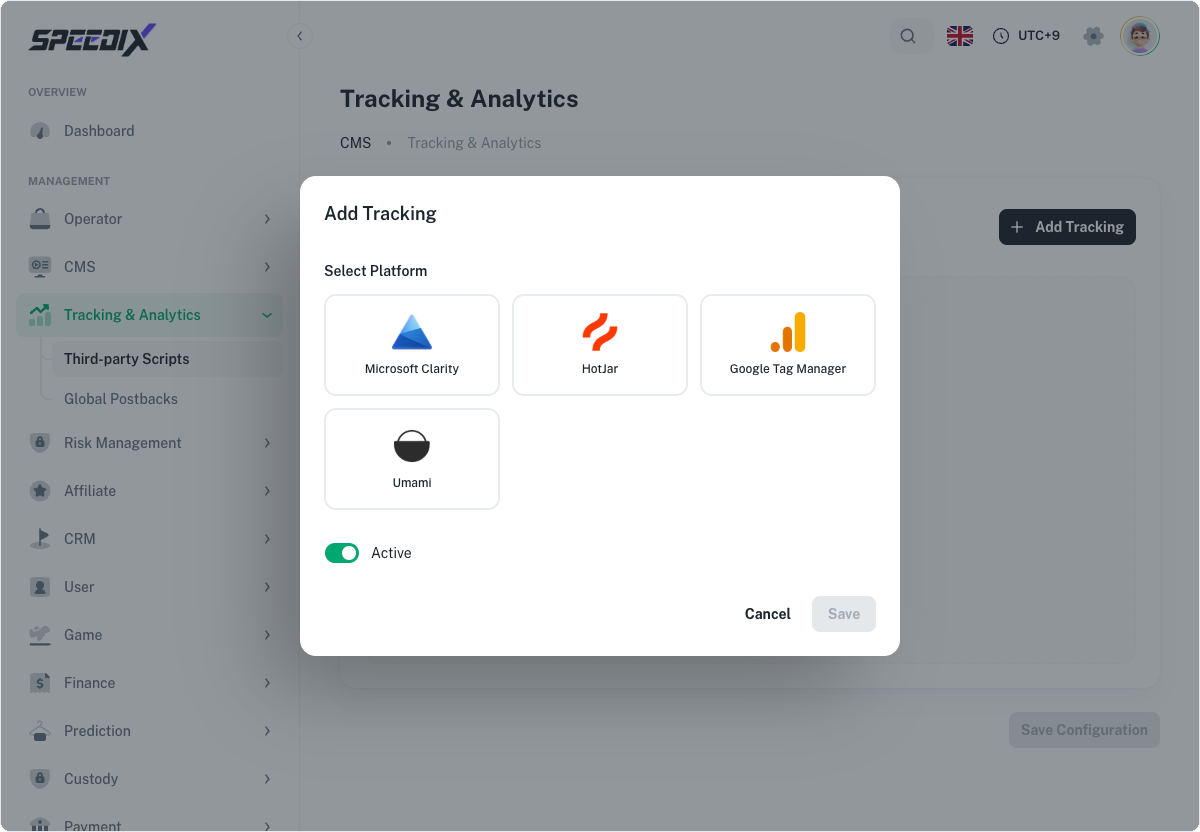
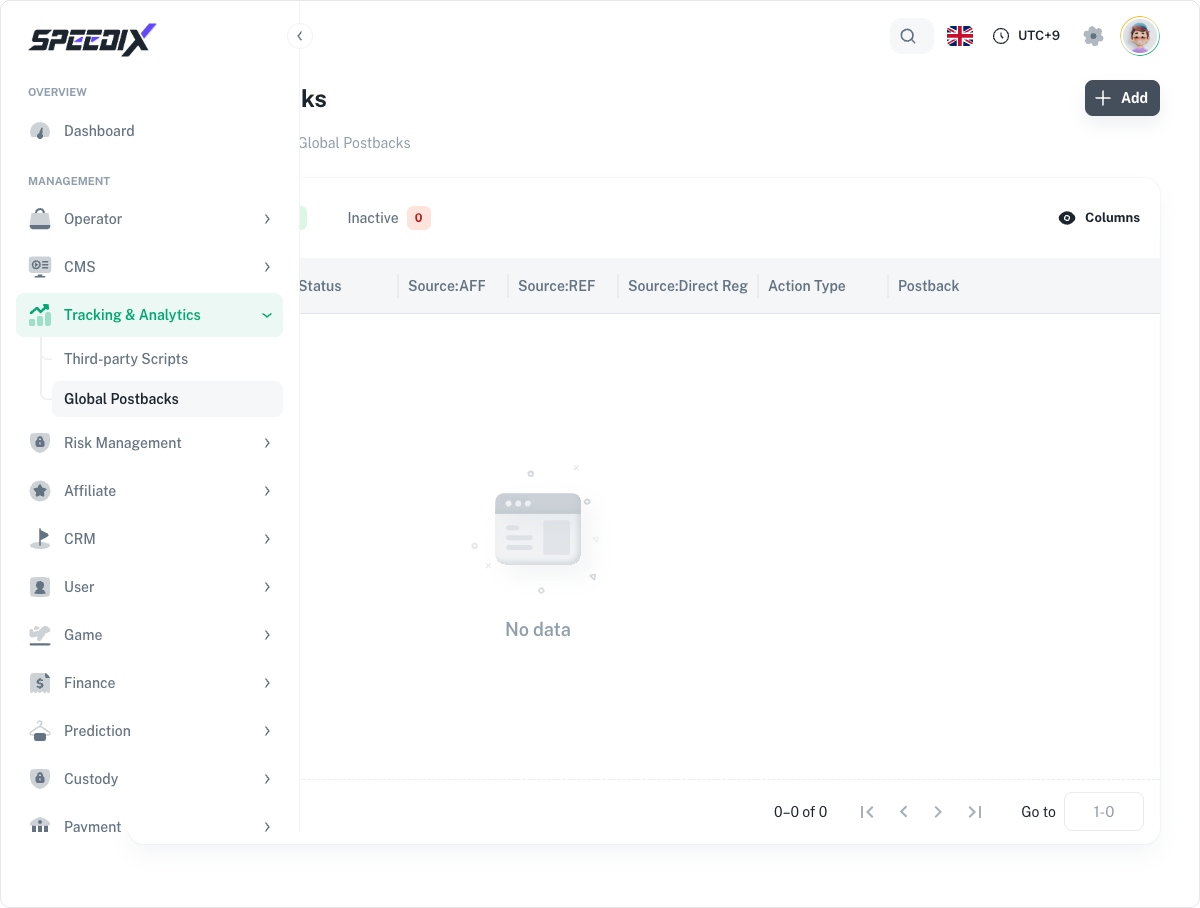
  • Tracking events. Marketing attribution, postback delivery status, affiliate dashboard.

Full playbook

Open the original for the morning checklist, the KYC scoring threshold reference, and the audit log retention/export details.

Screenshots

Figure 1 — Dashboard full data overview
Figure 2 — Operator List (Company backoffice view, showing this demo's JasonAI-Operator)
Figure 3 — User List (multi-filter + Export + table)
Figure 4 — KYC Verification review queue
Figure 5 — Registration Blacklist (6-category tabs + Upload + Manually Add)
Figure 6 — Audit Logs (with real log: 2026-05-18 bind 2FA action)
Figure 7.1 — Tracking & Analytics configuration page (empty by default)
Figure 7.2 — Add Tracking dialog: 4 supported platforms
Figure 8 — Global Postbacks list (empty by default)