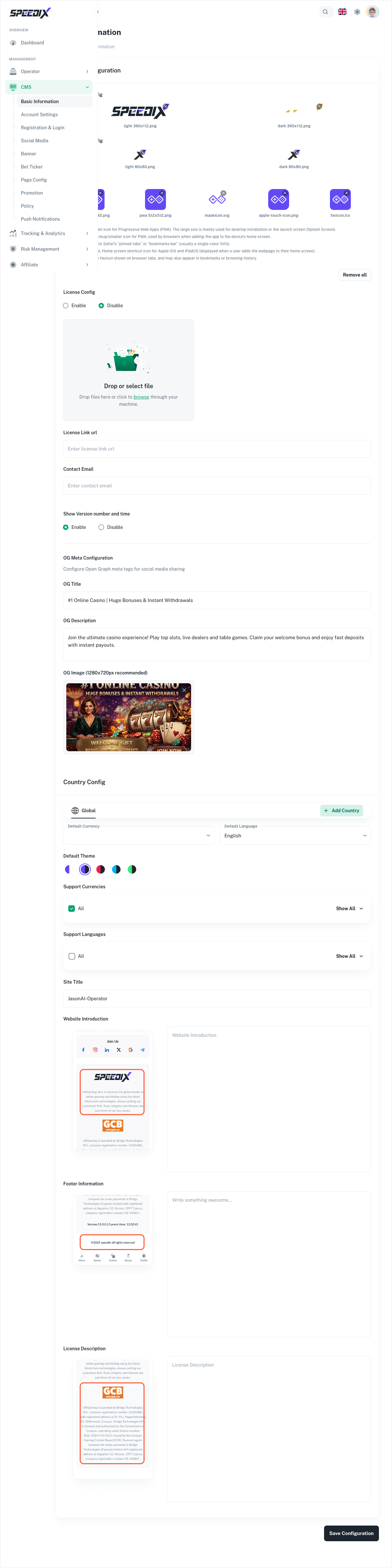
Configure the static side of the player frontend: brand identity, account & login policy, social media links, and the legal/policy pages (T&C, privacy, AML, RG).
The first half of the CMS configuration covers everything that
sits "behind" the marketing surface — the foundation a player sees
on signup, the rules around their account, and the legal text
that has to be there for compliance reasons.
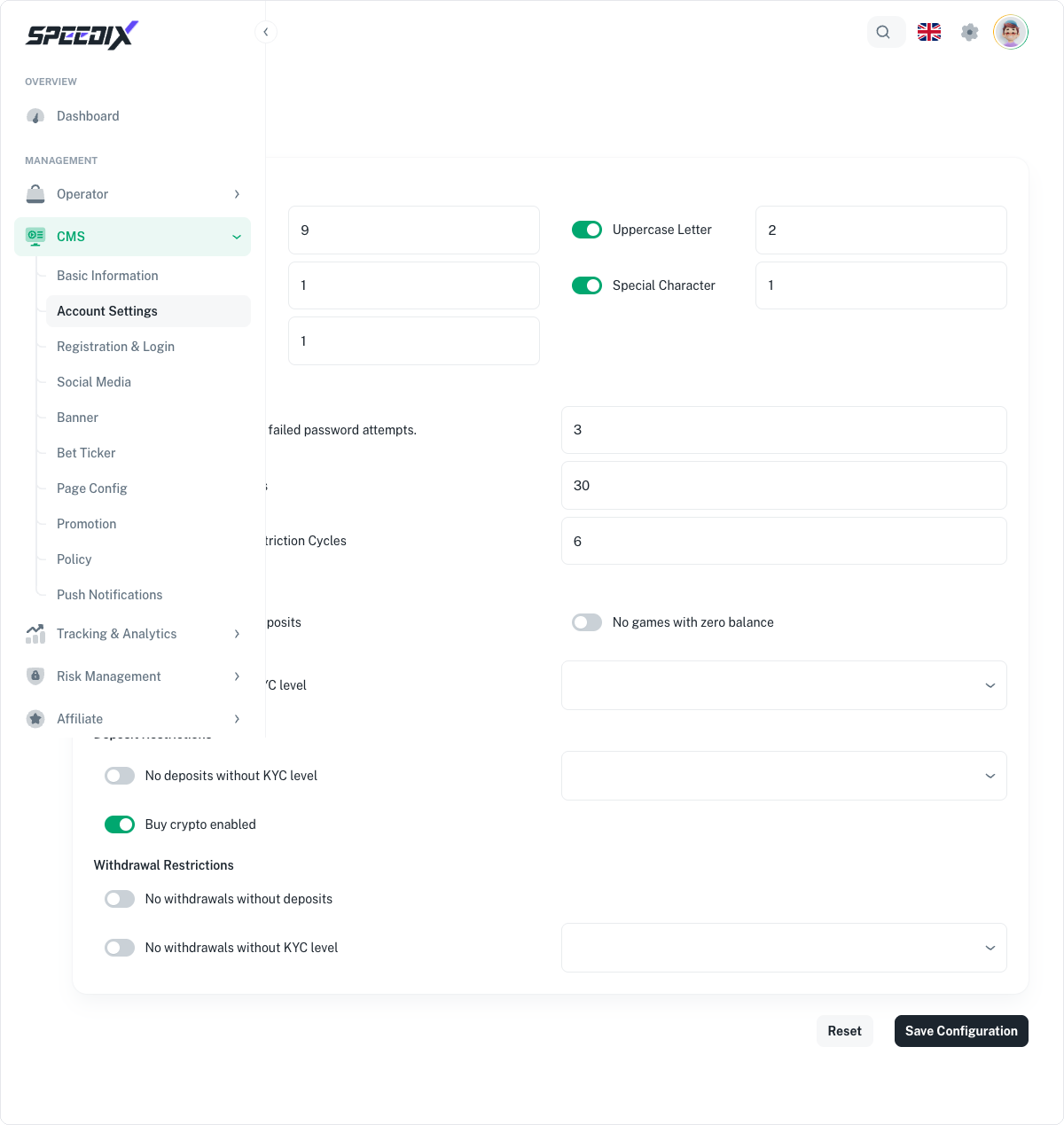
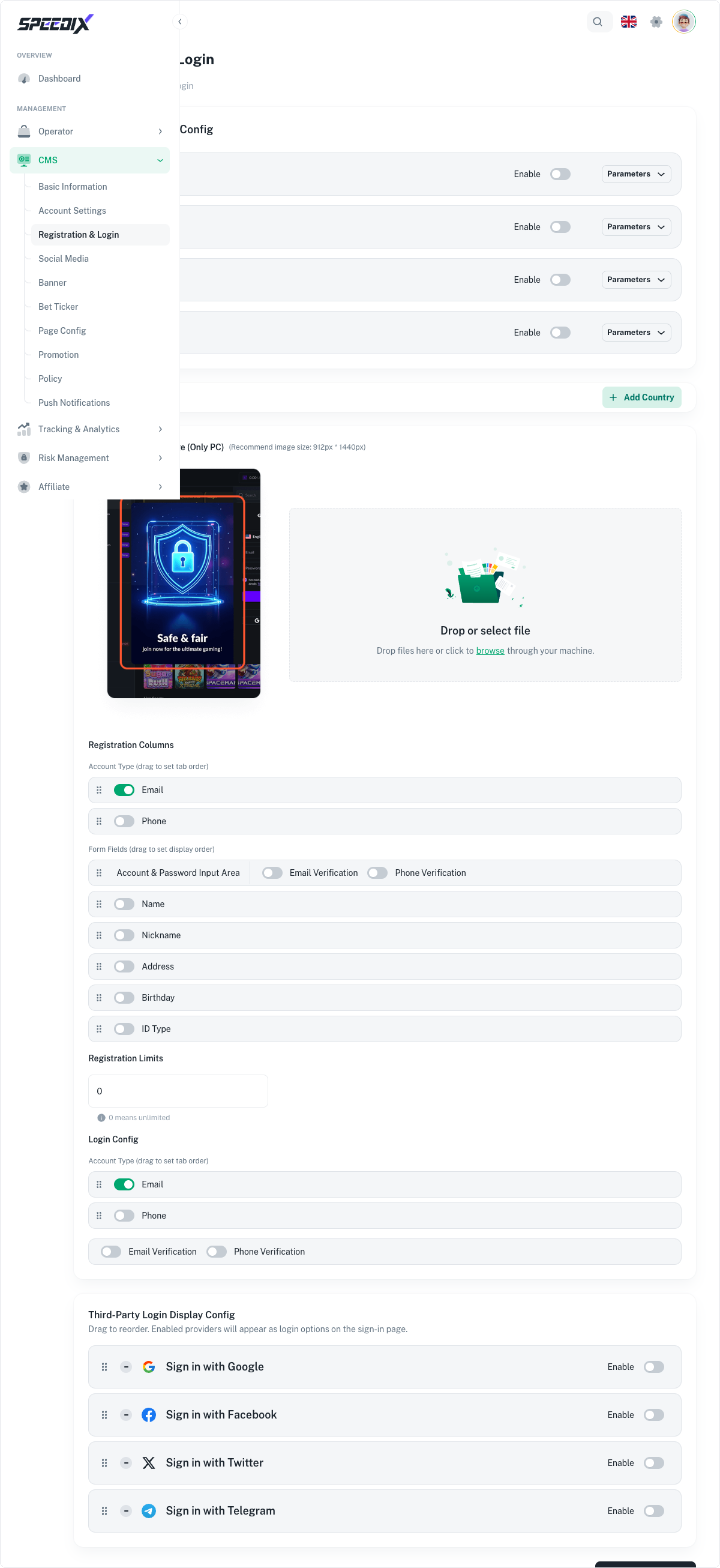
Account & login policy. Username vs. email signup, mandatory
fields, age-gate enforcement, KYC tier defaults, 2FA opt-in or
enforced.
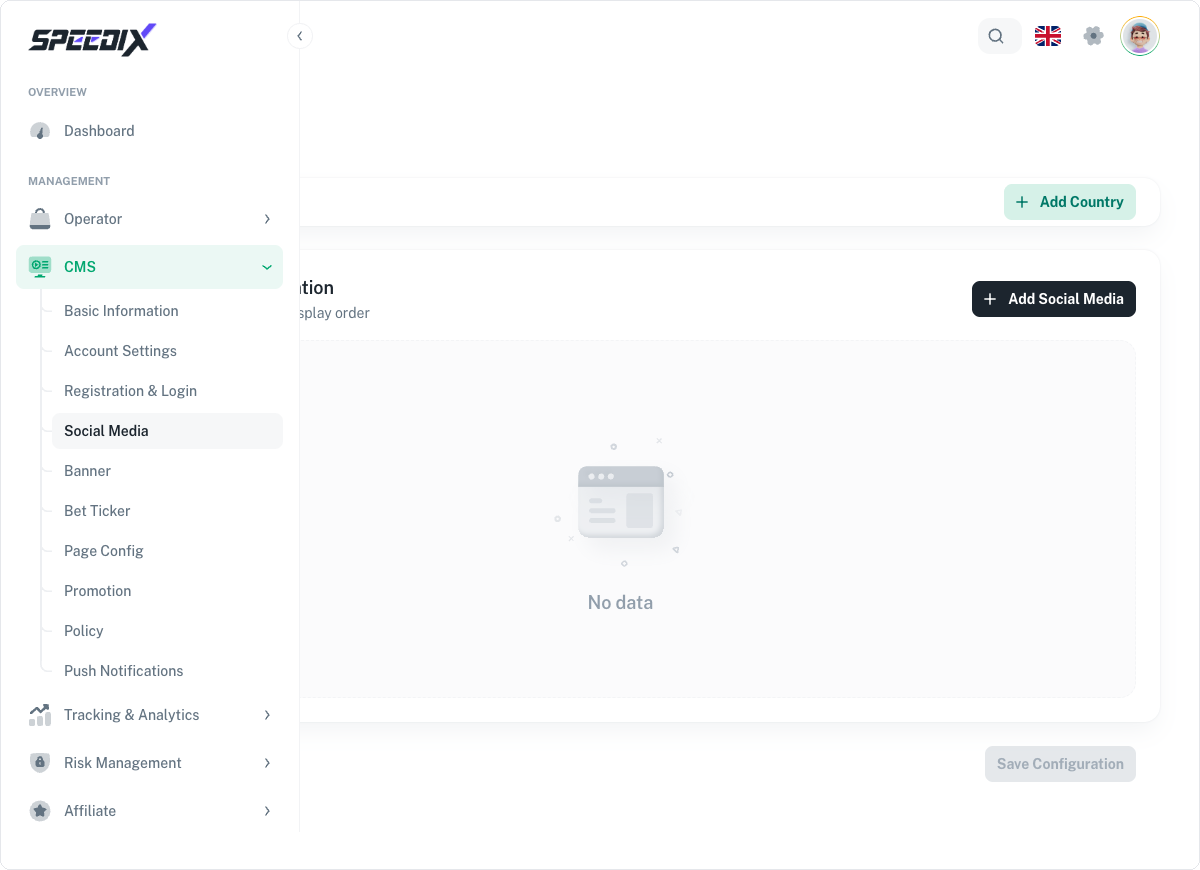
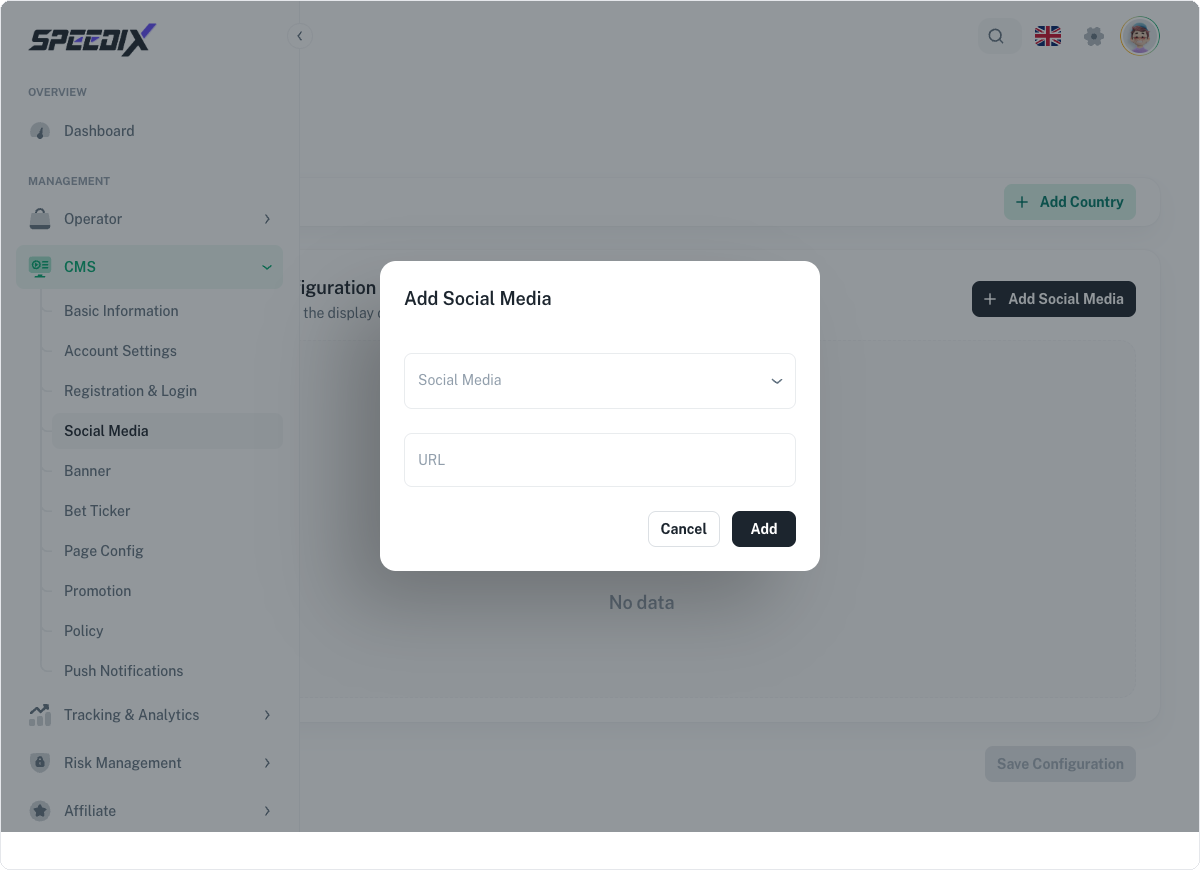
Social media presence. Twitter, Telegram, Instagram links
rendered in the footer and on the "About us" page.
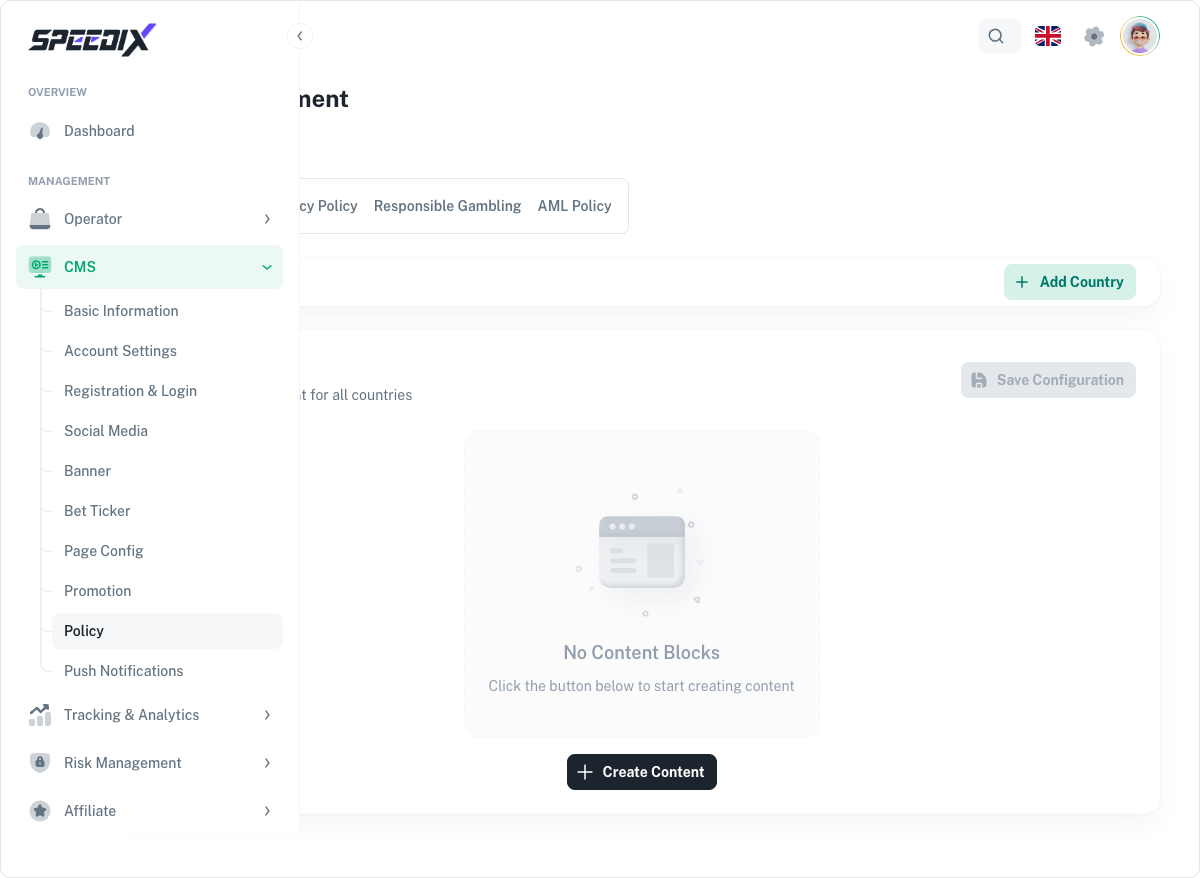
Legal & policy pages. Terms of service, privacy policy, AML
policy, responsible gaming policy, cookie policy. CMS editor
with versioning so updates are auditable.
Full playbook
The original walks through every editable field on each of the
five pages covered, plus screenshots of the corresponding rendered
player view for each setting.
Screenshots
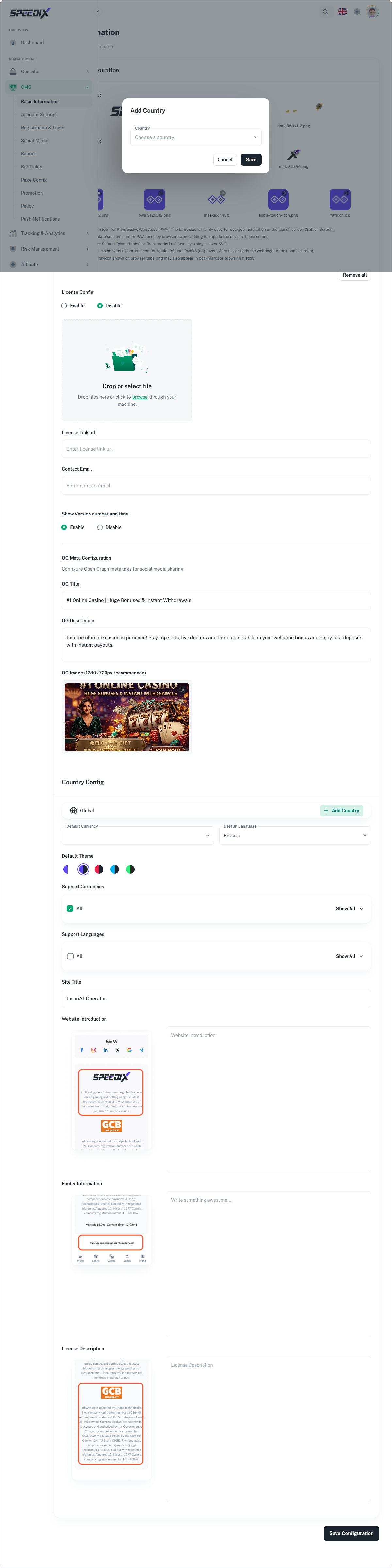
Figure 1 — Basic Information: Logo configuration + brand detailsFigure 2 — Account Settings: 5-section player account policy configurationFigure 3 — Registration & Login full pageFigure 4 — Social Media list (empty by default)Figure 4.1 — Add Social Media dialogFigure 5 — Policy page (Terms of Service tab selected by default)Figure 9 — Add Country dialog (tick the countries to add from the country list)