The cashier setup that has to be in place before you can take a
deposit or process a withdrawal. UC4a is the one-time configuration
work; UC4b covers what you do every day after.
What you'll configure
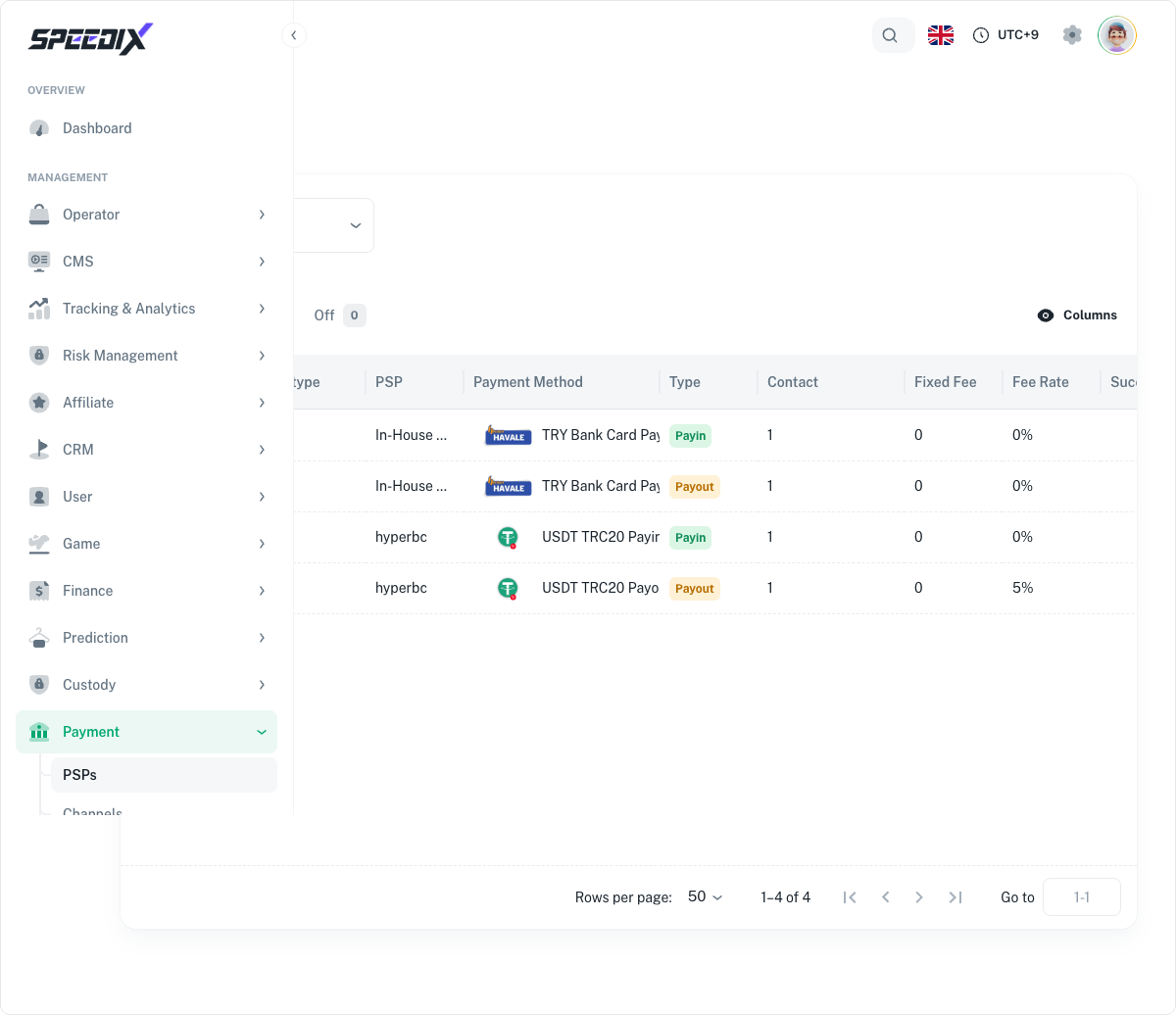
PSP integrations. Pick from system PSPs (covered by Speedix
contracts, ready immediately) and/or wire up your own private
PSP. The two can run in parallel for redundancy or geo-routing.
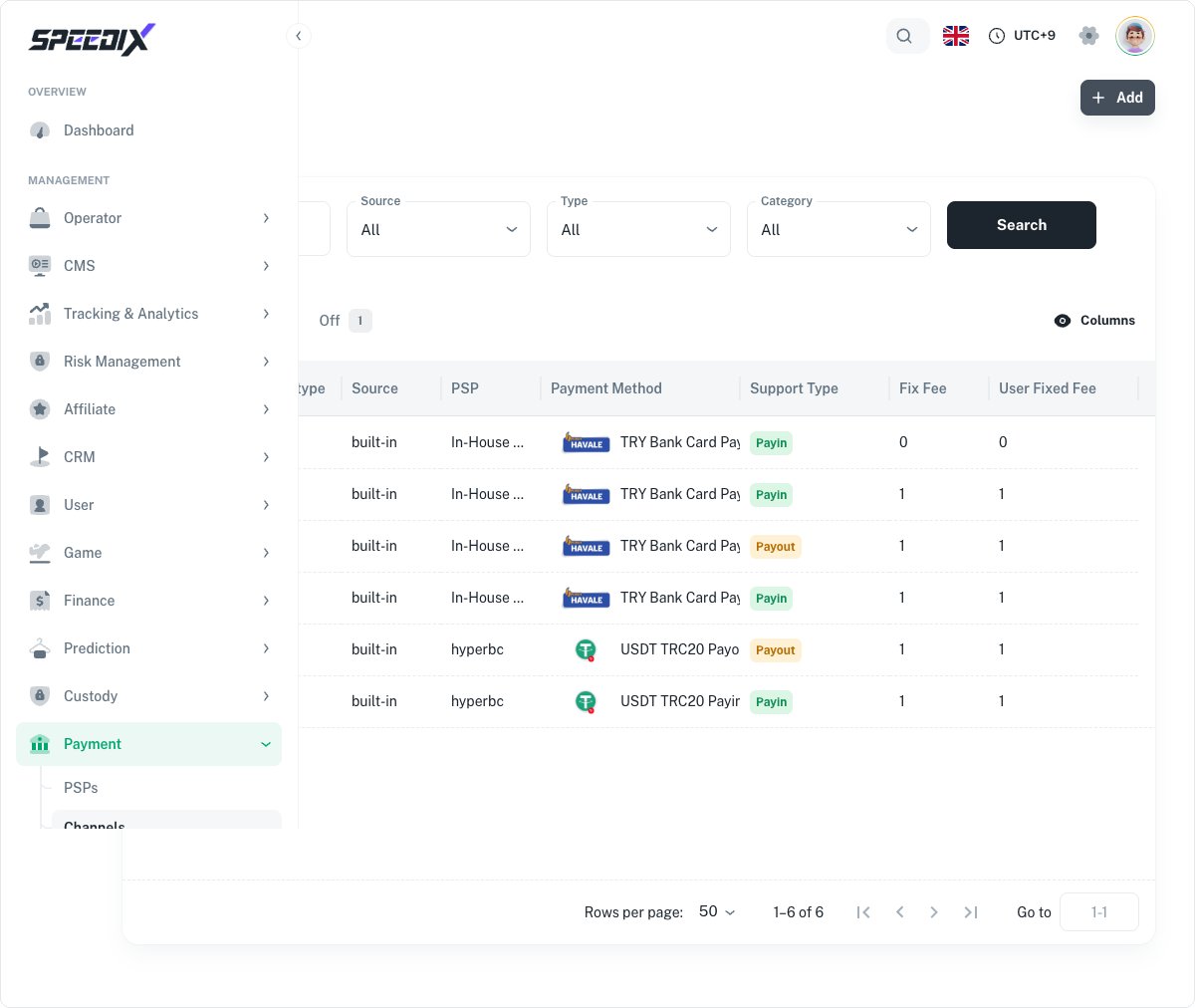
Payment channels. Per-currency, per-region channel routing
with priority order and per-channel limits.
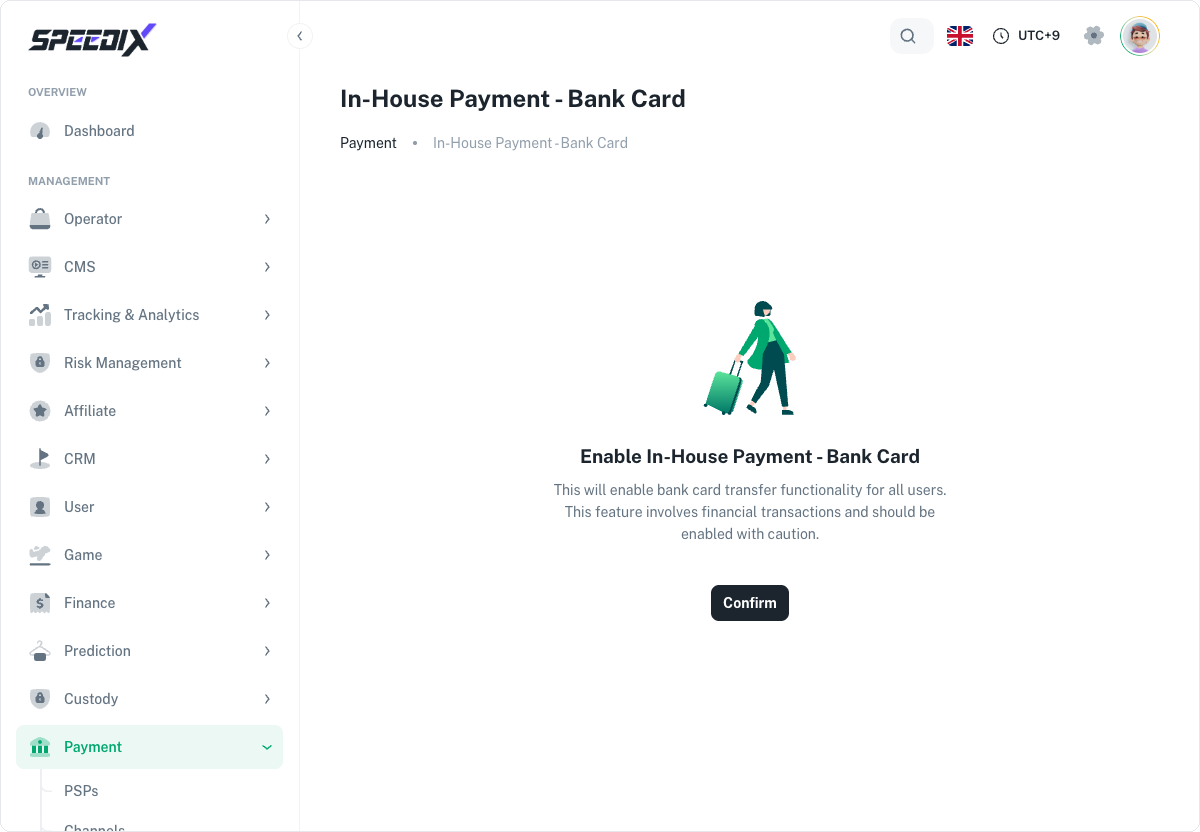
Bank card withdrawals. Card collection flow, BIN validation,
KYC tier gating for card-out.
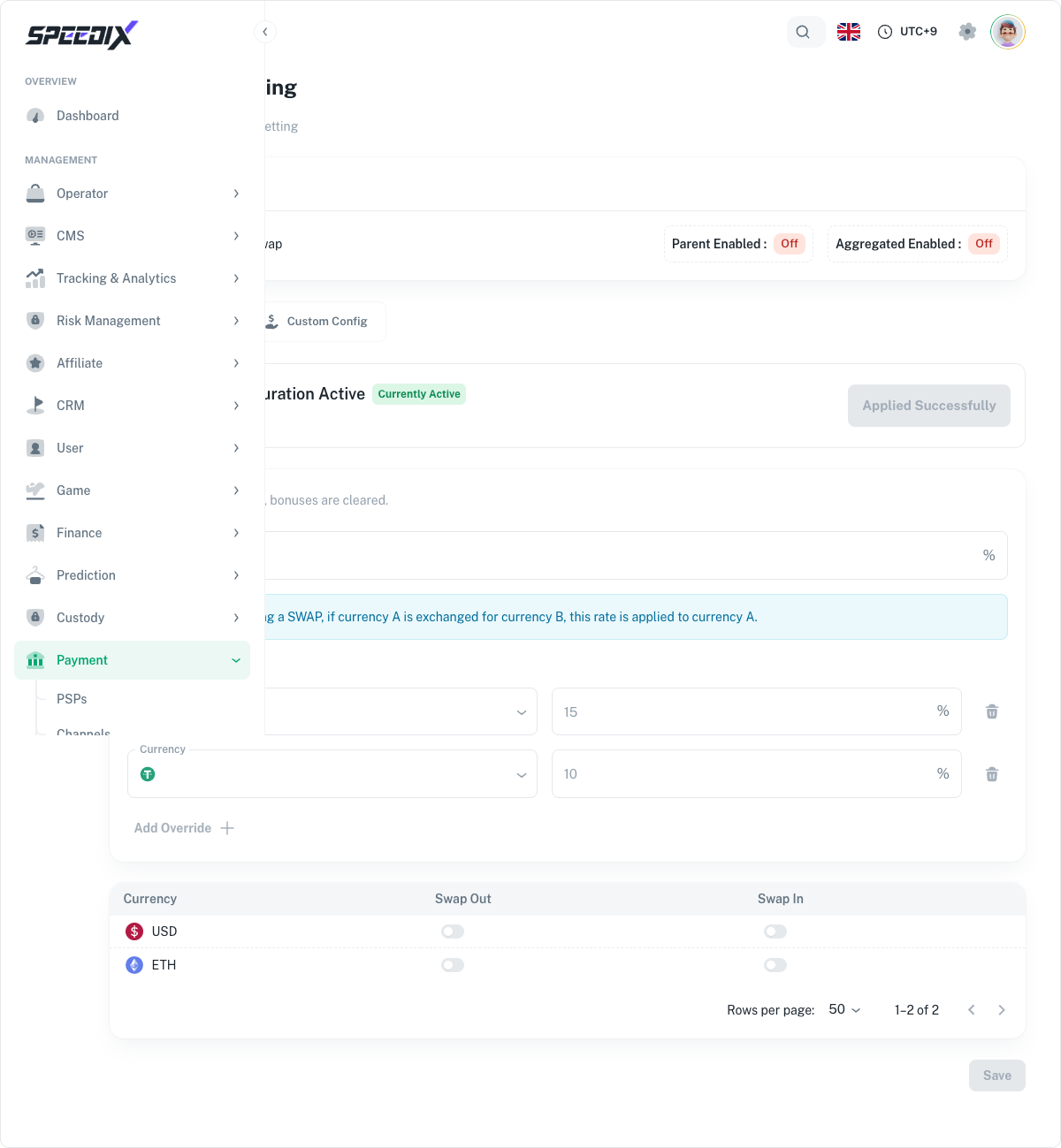
Currency swap rates. Reference rates between supported
fiat/crypto pairs. Used by the cashier for cross-currency
deposits and player balance display.
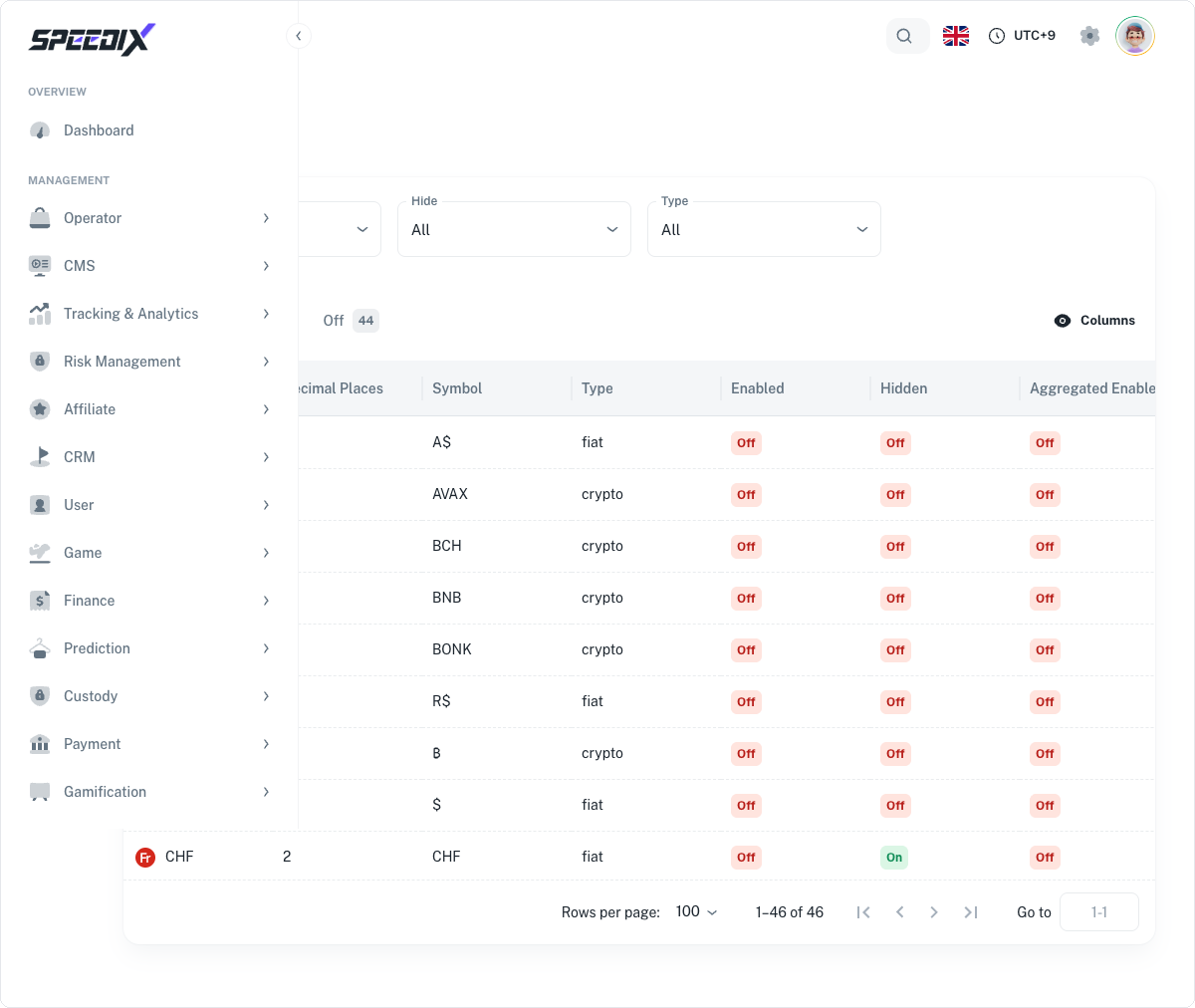
Supported currencies. Whitelist of currencies the operator
accepts at deposit, displays in player UI, and pays out in.
Original guide includes the PSP matrix (which provider is best
for which region), KYC tier × payment-method compatibility table,
and the FX-rate refresh cadence configuration.
Screenshots
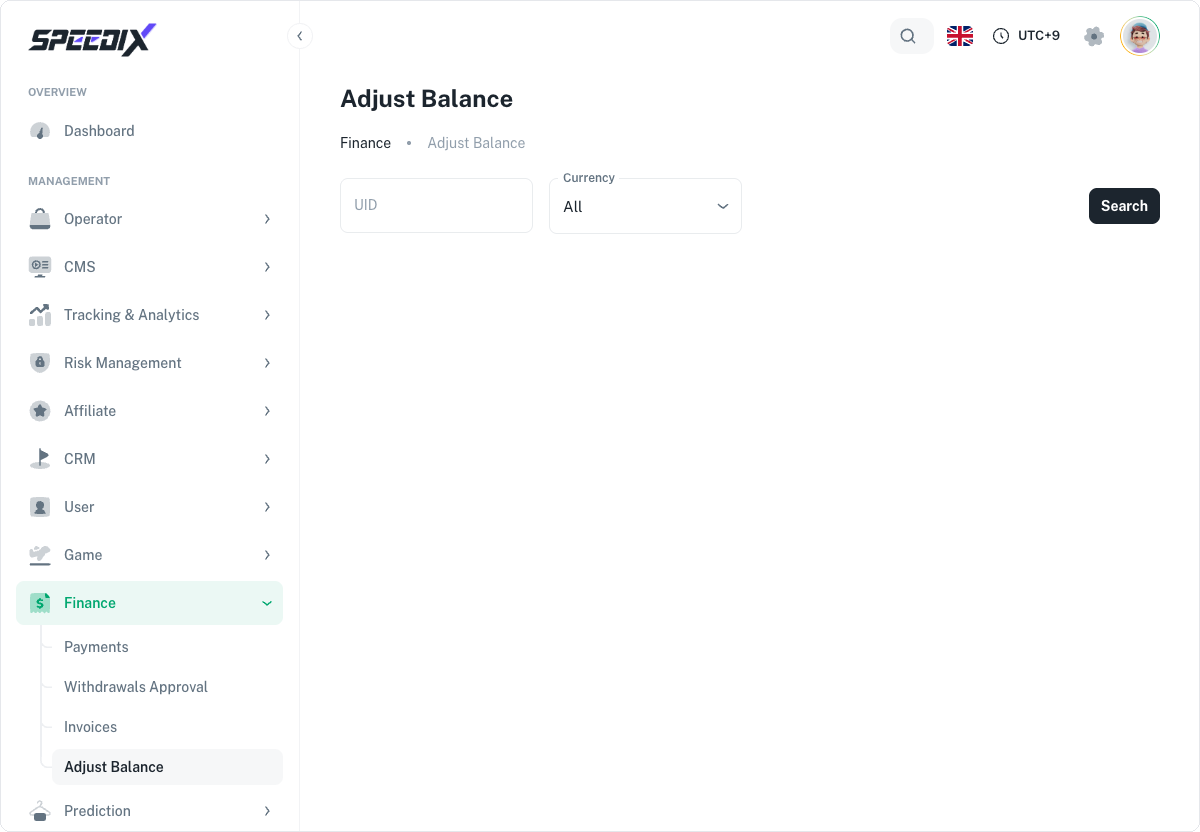
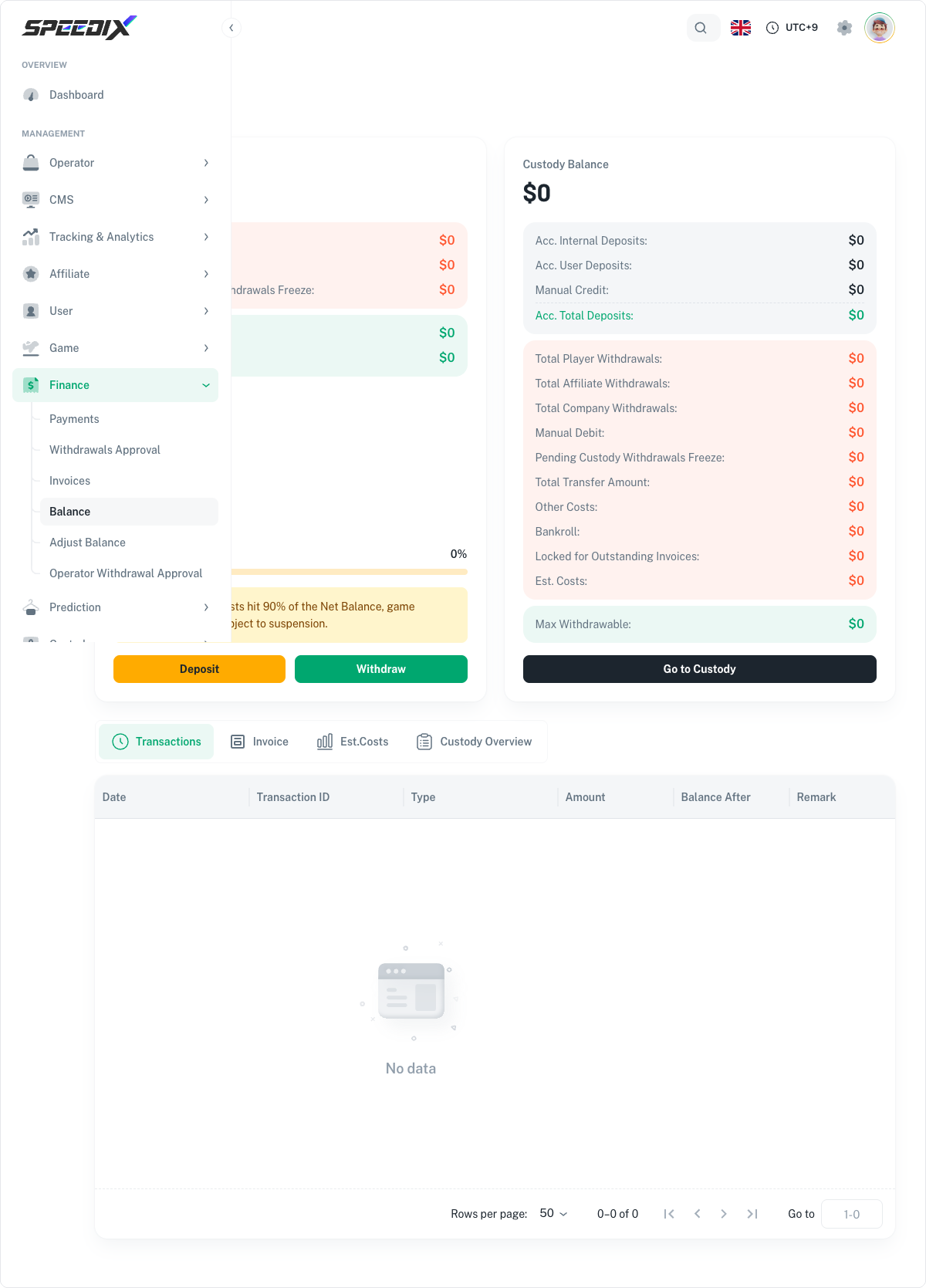
Figure 1 — PSPs list (this demo: 4 rows — TRY × Payin/Payout + USDT × Payin/Payout)Figure 2 — Channels list (6 channel rows)Figure 3 — Bank Card master switch + warning text + Confirm buttonFigure 4 — User Swap Setting full pageFigure 5 — System Currency list (46 currencies, this demo: On 2 / Off 44)Figure 6 — Adjust Balance entry page (search for the player by UID + Currency first)Figure 7 — Balance full page (Company Balance + Custody Balance + transaction details)