The full growth toolkit: bonus currency, deposit reward sequences, VIP programme, promo codes, app-download bonuses, and the bonus rules engine that ties it all together.
UC1-UC5 get a working operator. UC6 is what makes the operator
actually retain players. Speedix ships a full gamification suite
that replaces what would otherwise be 4-5 separate CRM and bonus
vendors.
What you'll configure
Bonus currency (BC). Operator-issued credit denominated
separately from cash balance. Granted by promotions, drained by
configurable wagering rules.
Deposit reward sequences. Welcome bonus, second-deposit
bonus, daily reload — multi-step sequences with stacked or
exclusive eligibility logic.
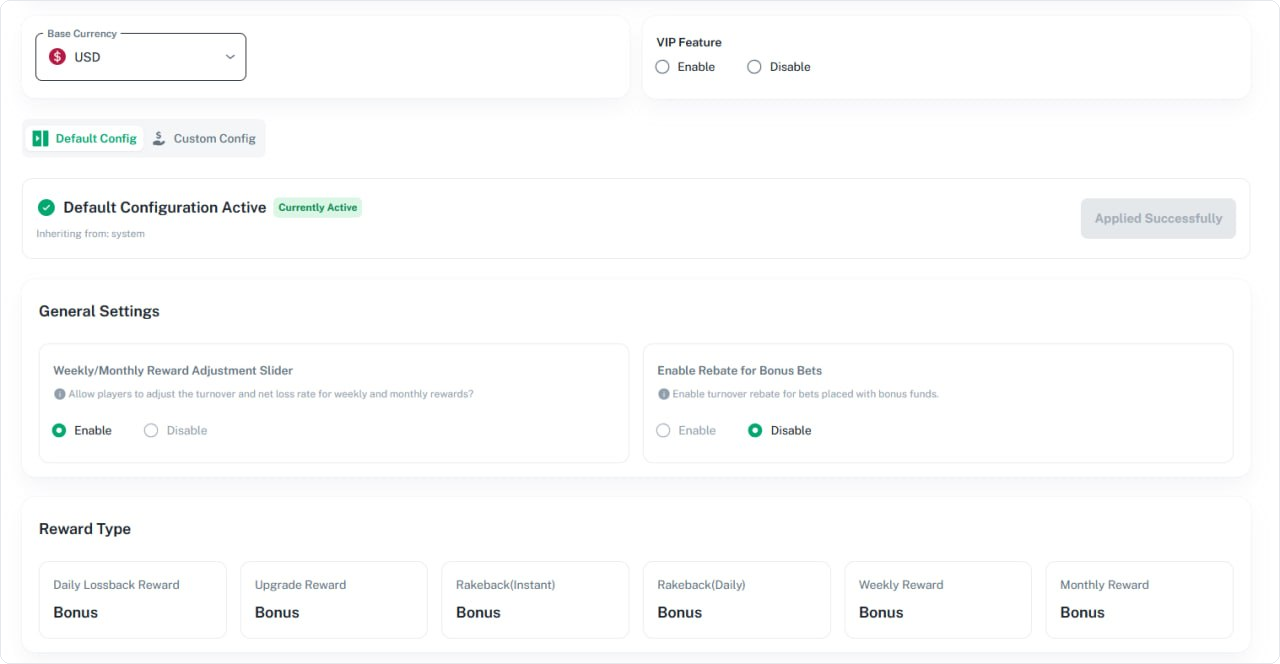
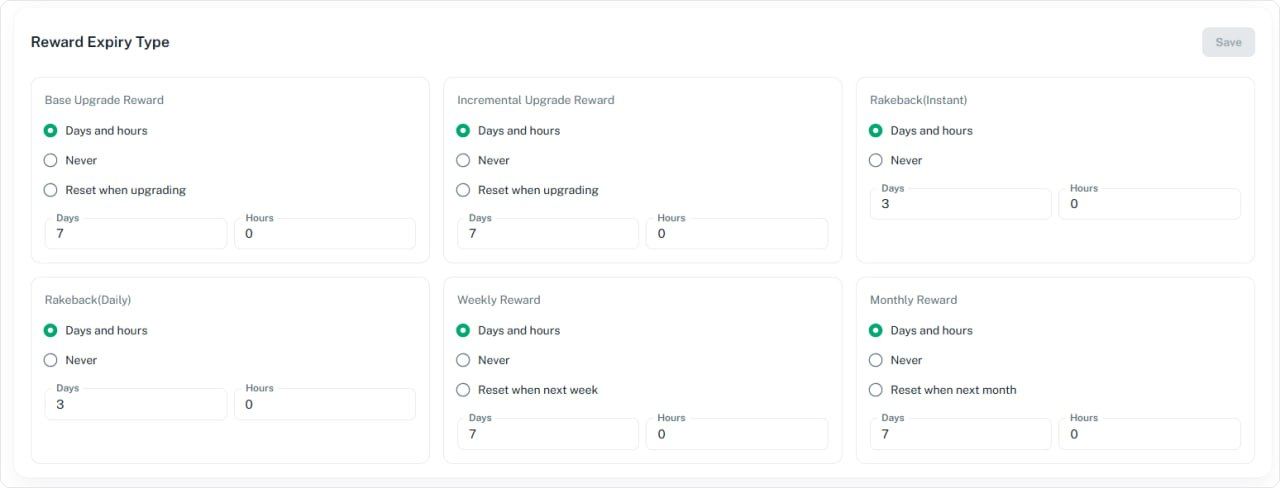
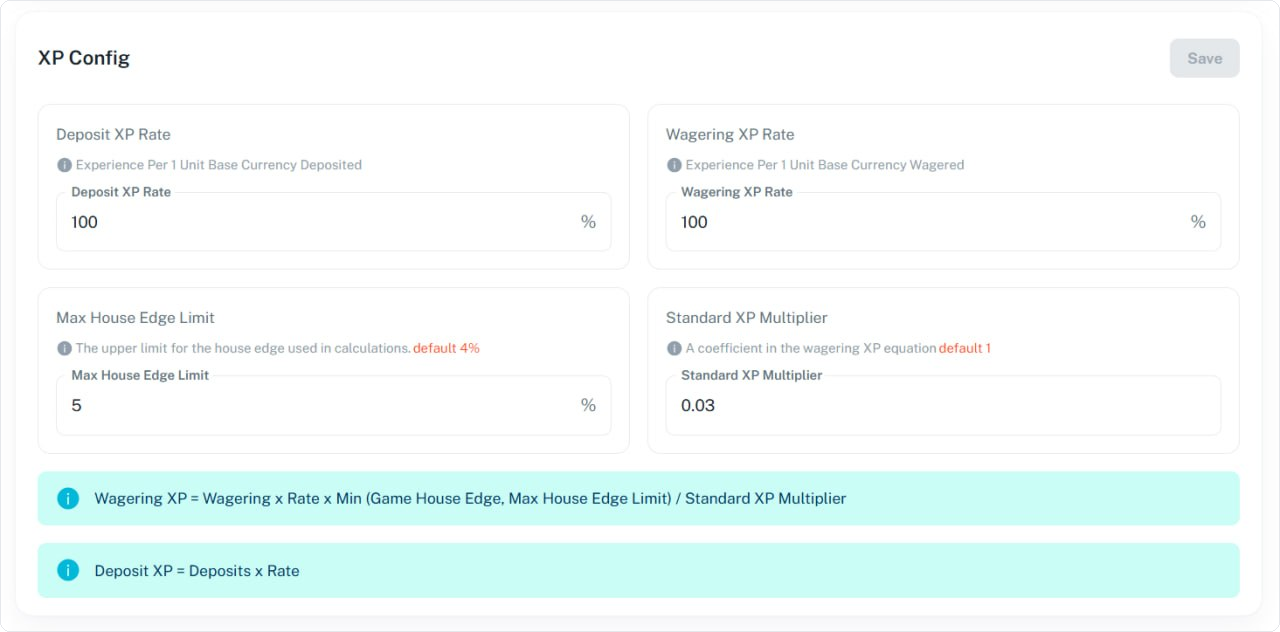
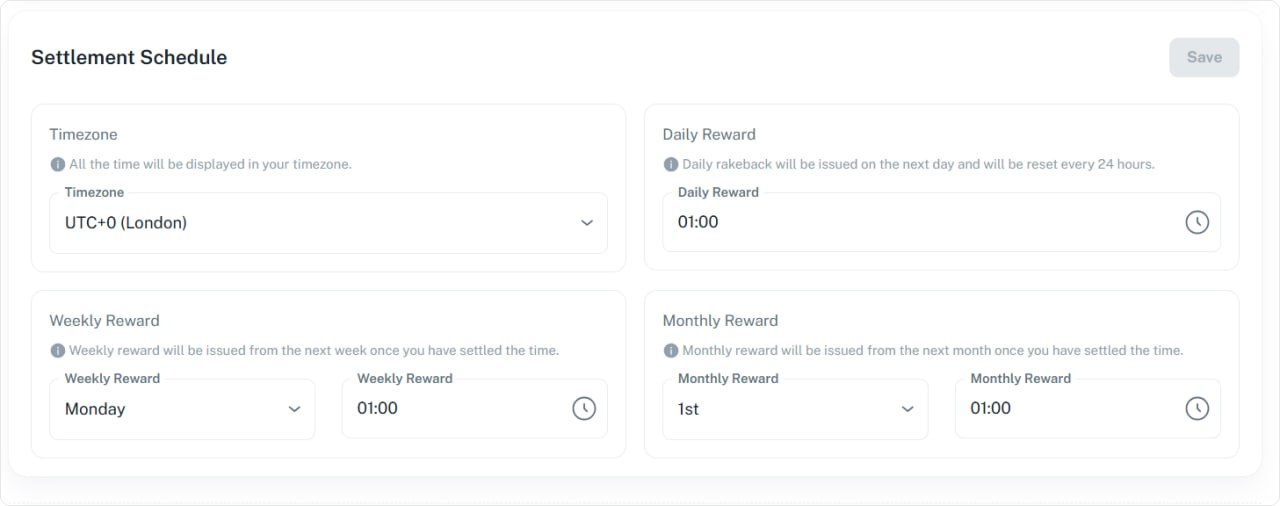
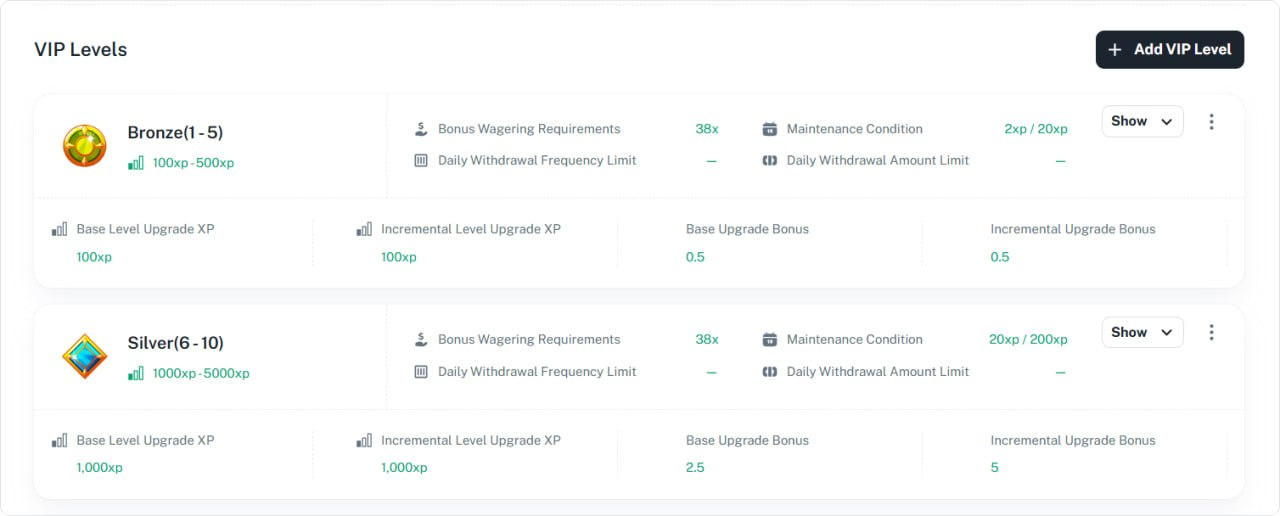
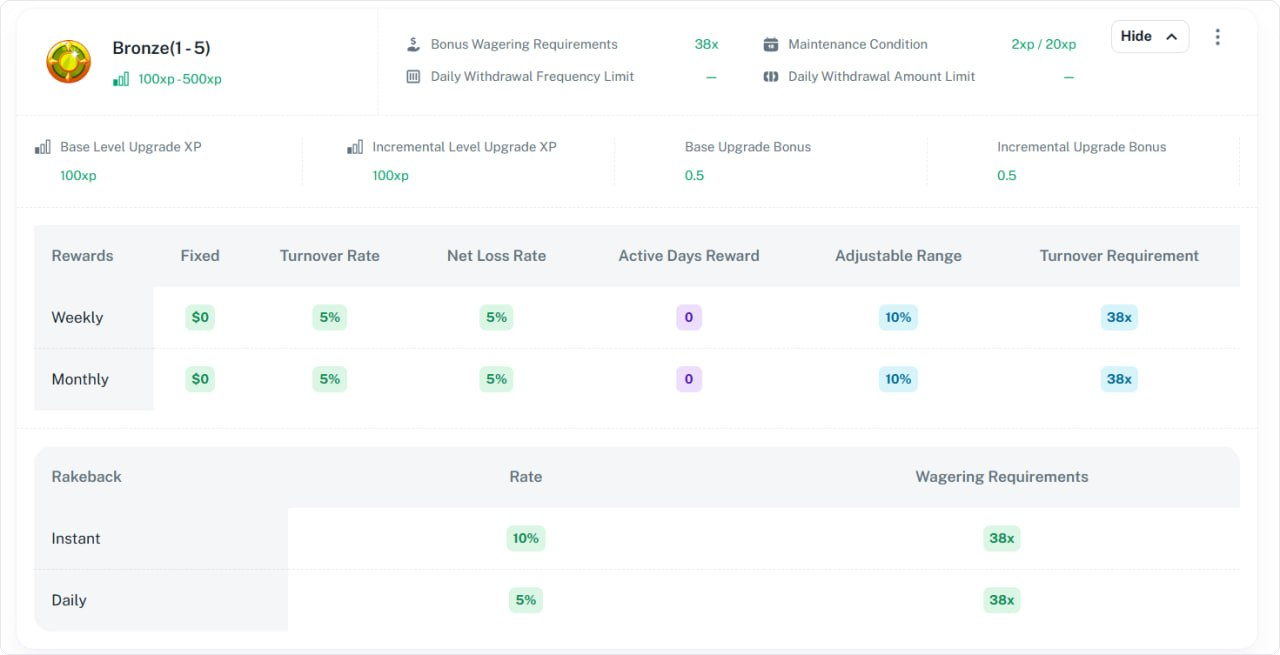
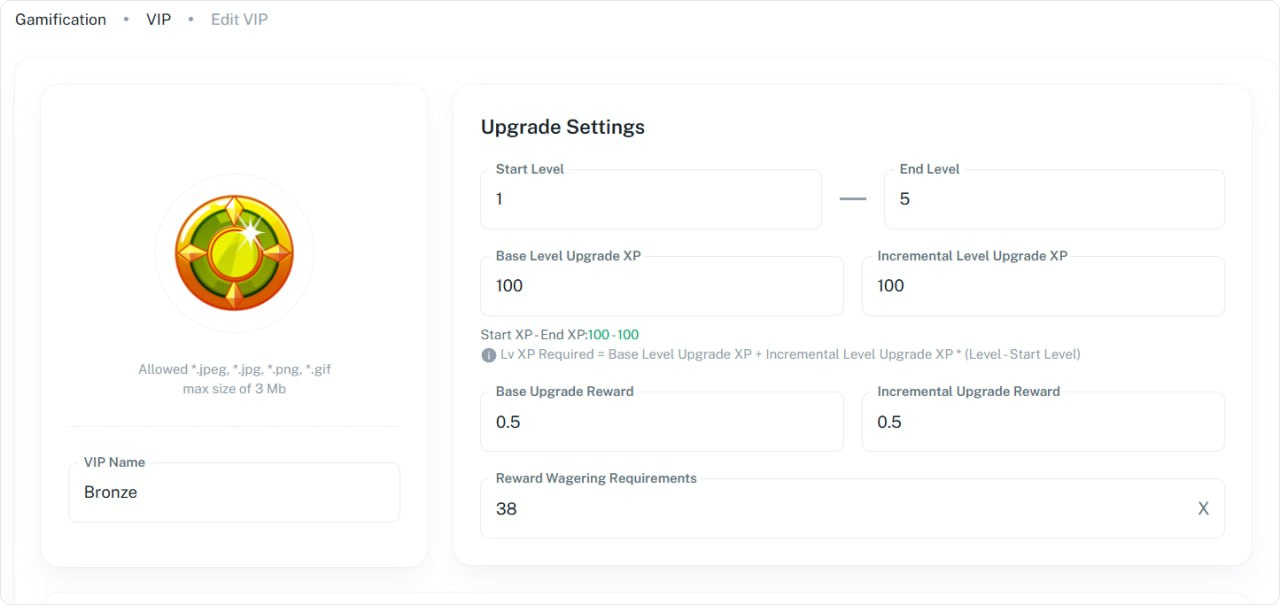
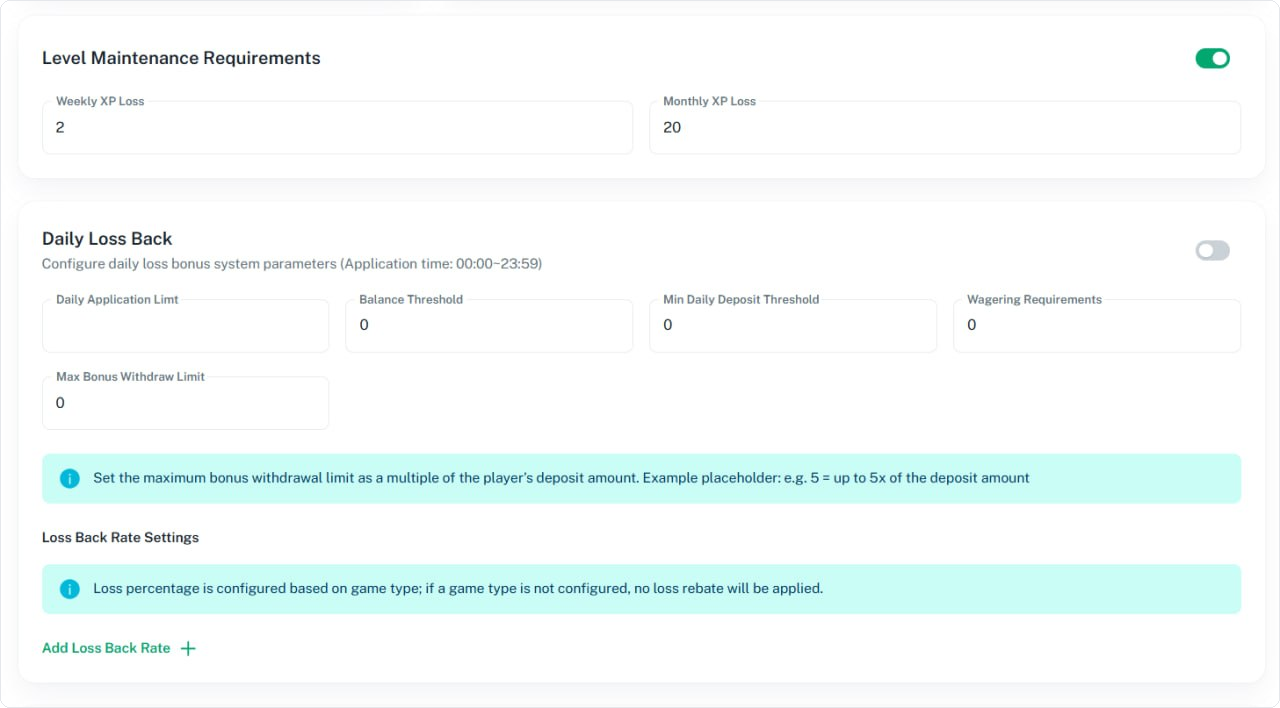
VIP programme. XP system, tiered VIP levels, level-up
rewards, downgrade rules, weekly/monthly cashback rates per
level.
Promo codes. Per-code or universal codes, with eligibility
gating (region, segment, deposit history), usage caps, and
expiry windows.
Bonus rules engine. Wagering requirement formulas, game
contribution weights, max-bet rules during bonus play, and
abuse detection.
Full playbook
The original is the longest and most detailed in the series — it
includes the bonus economics worksheet, abuse-pattern catalogue,
and the cashback formula reference.
Screenshots
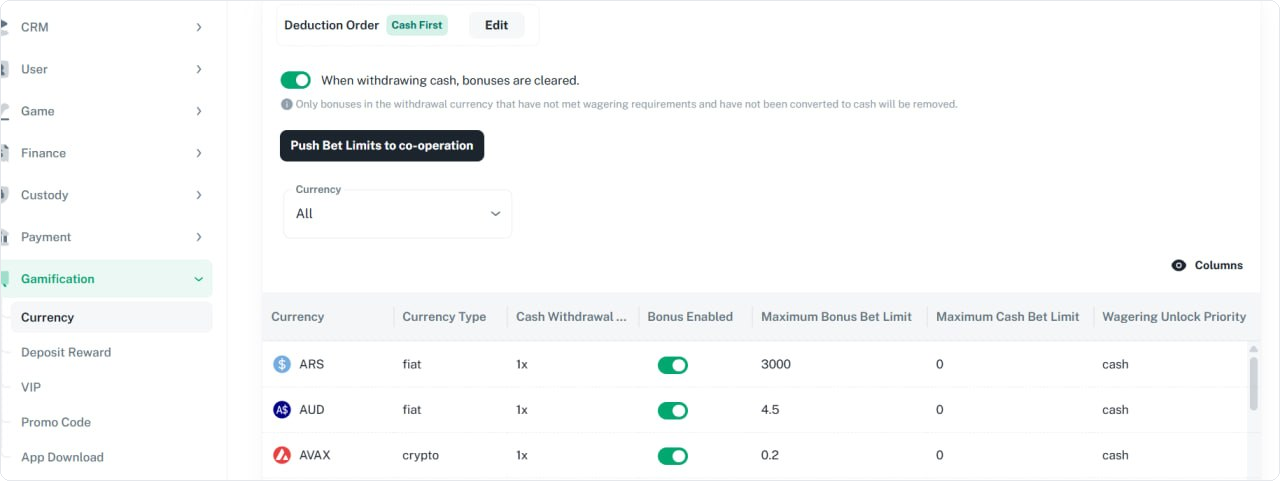
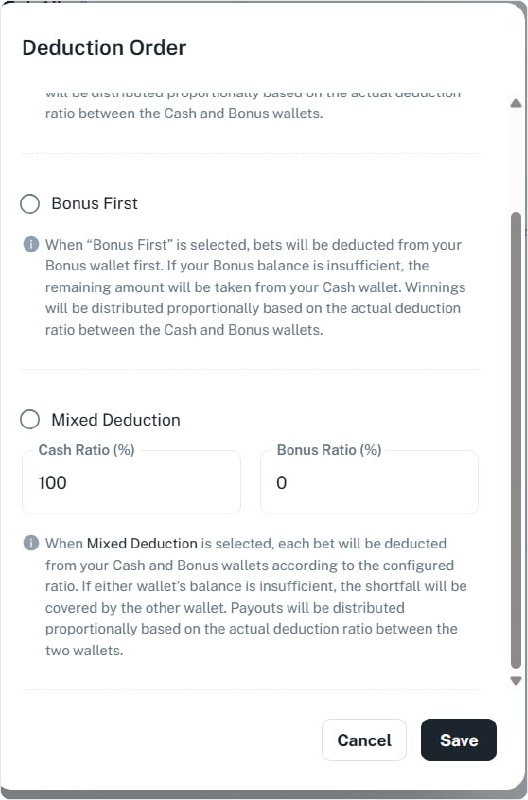
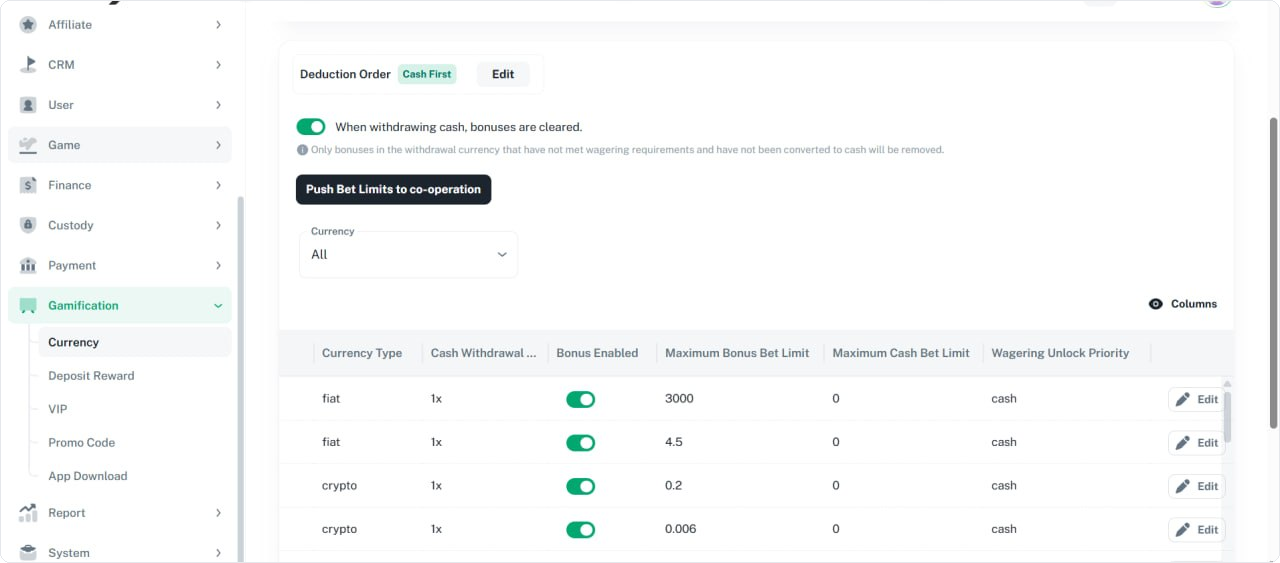
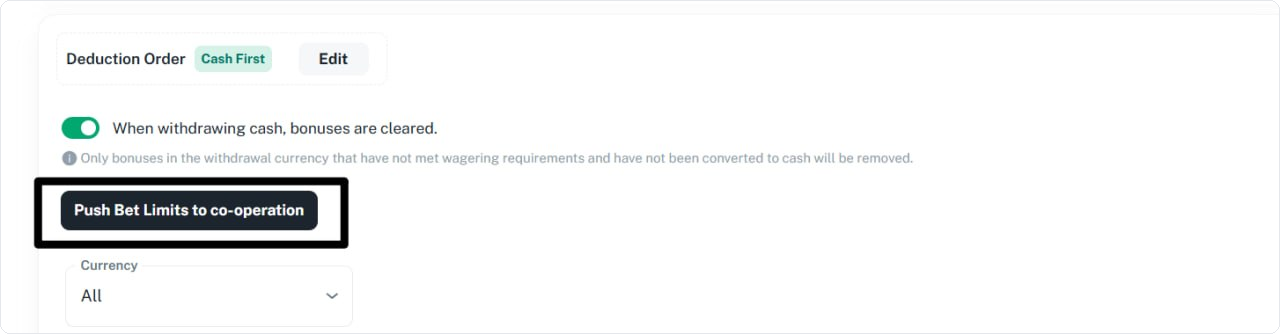
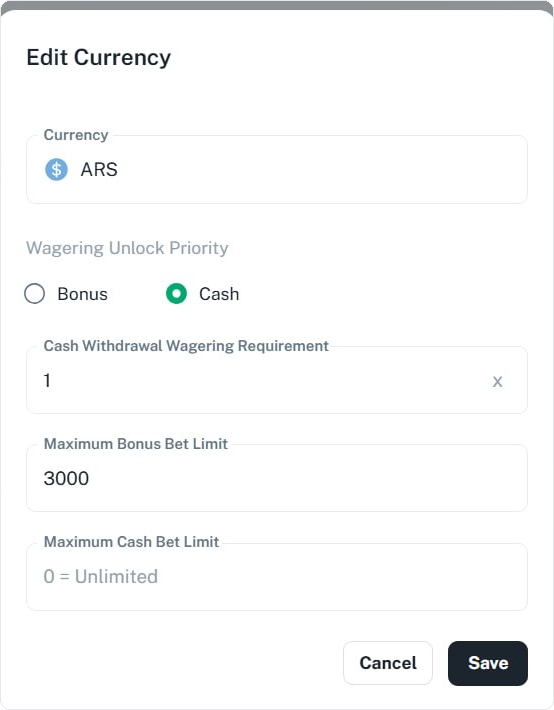
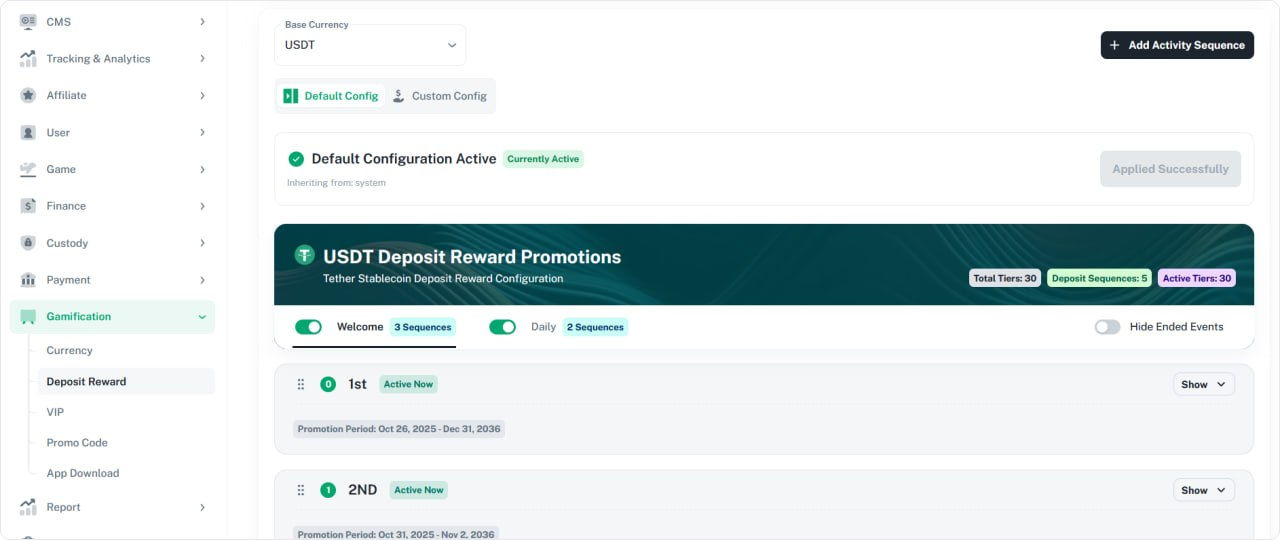
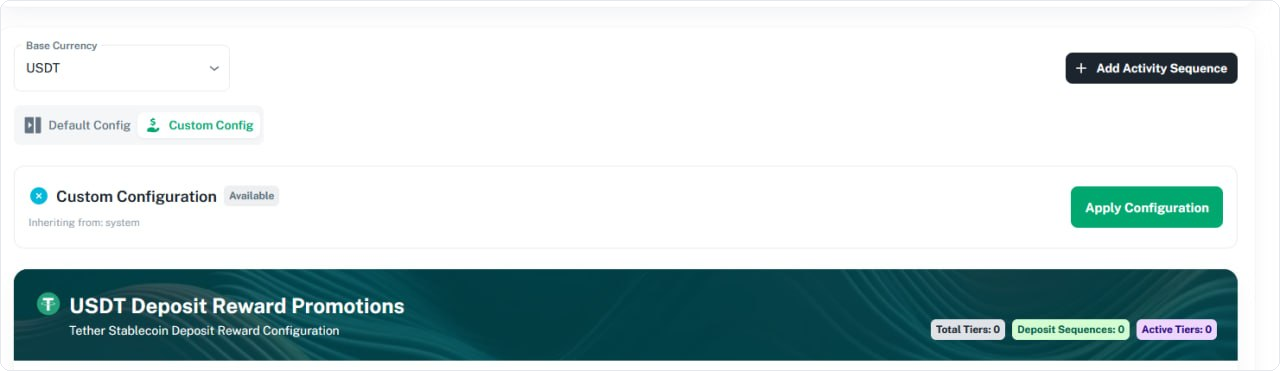
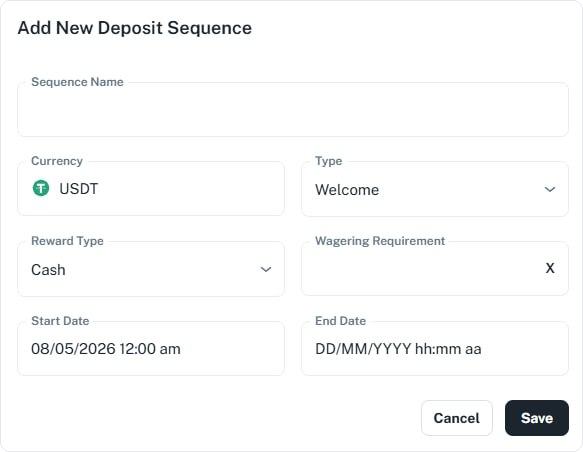
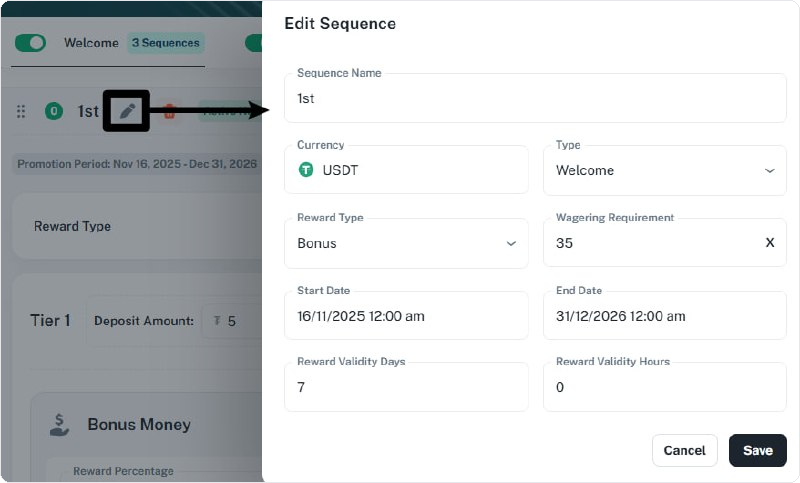
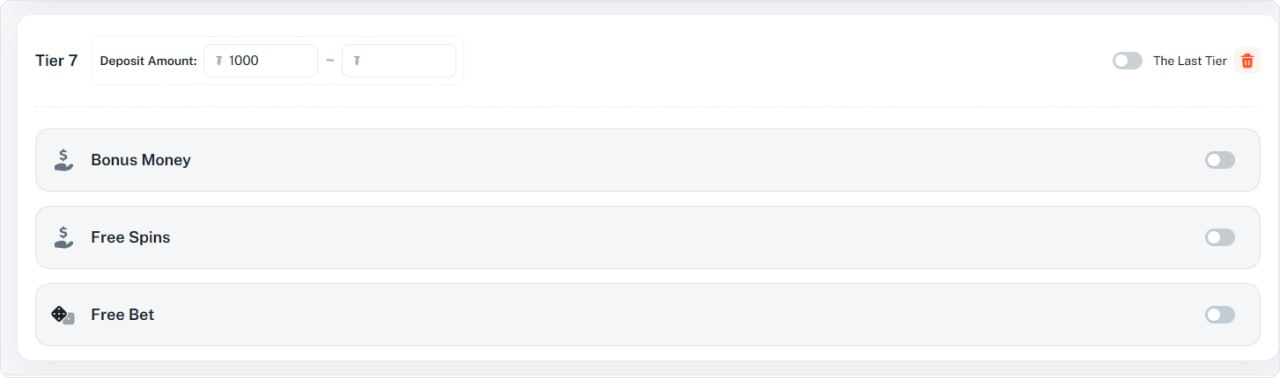
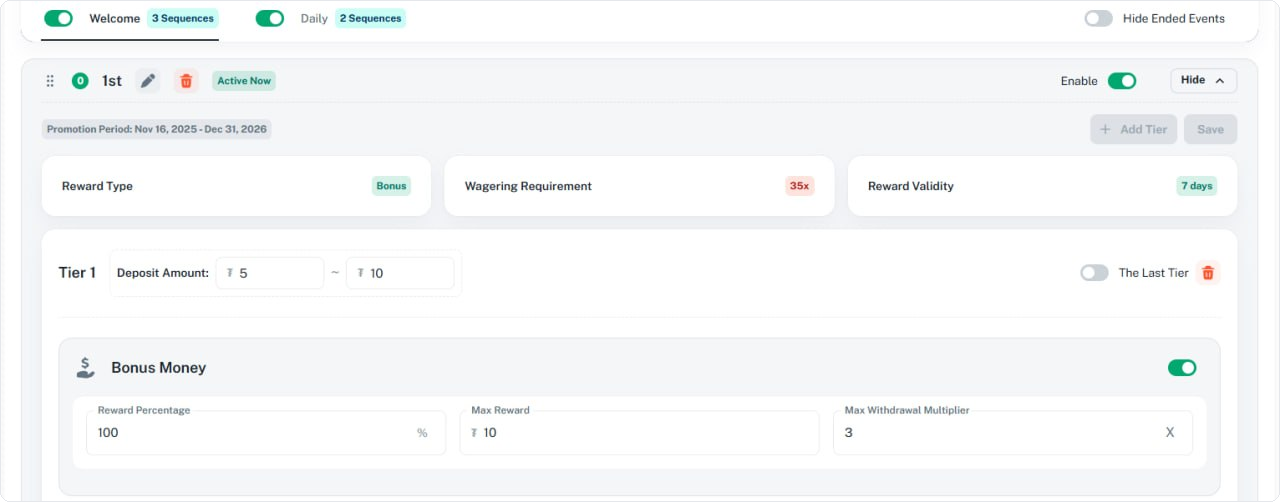
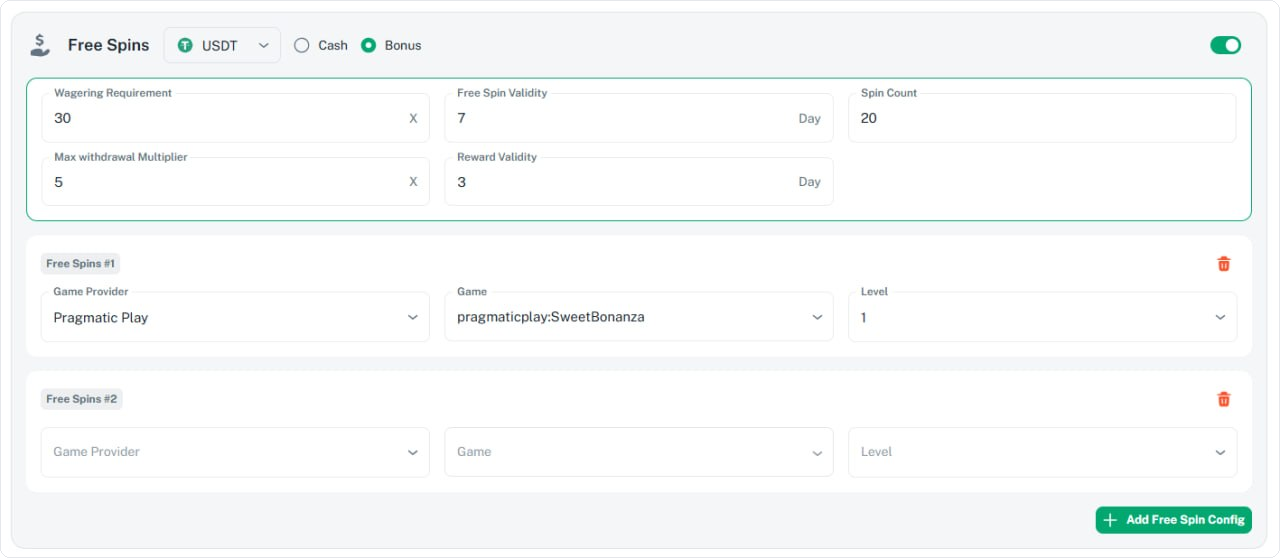
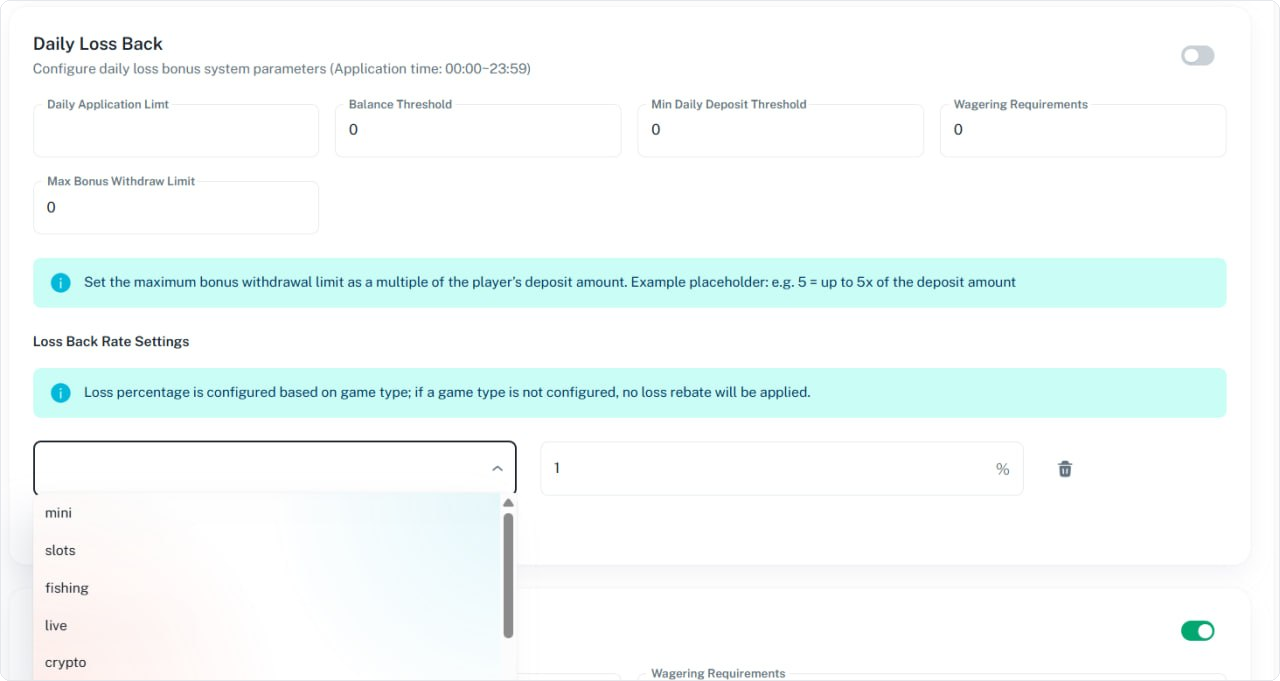
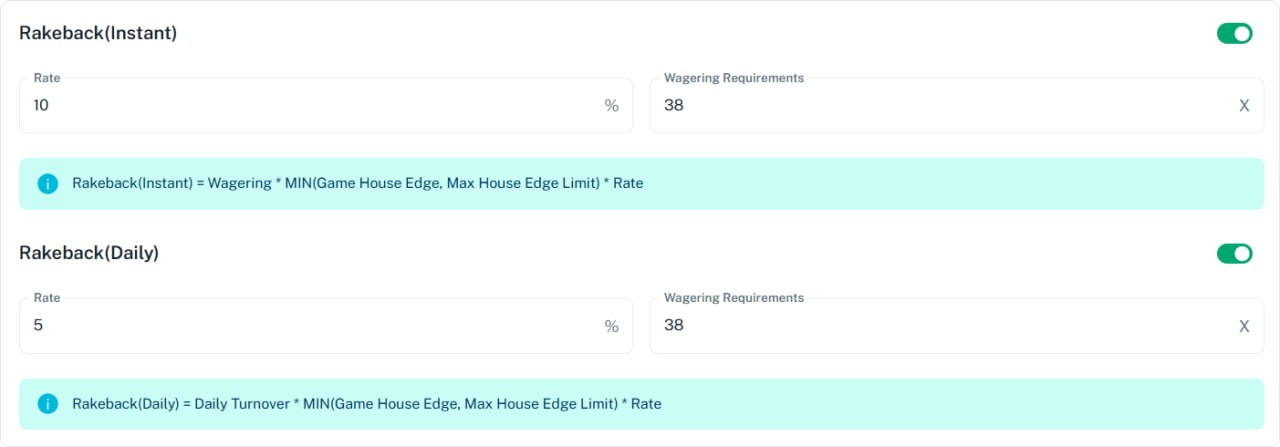
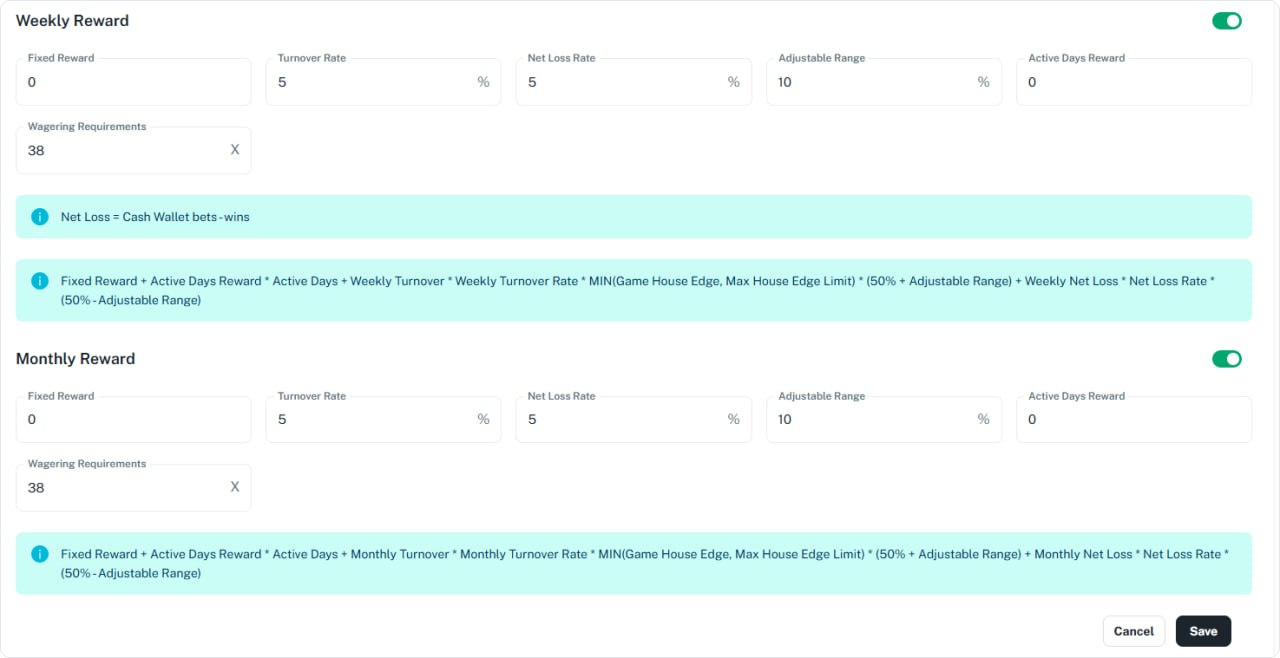
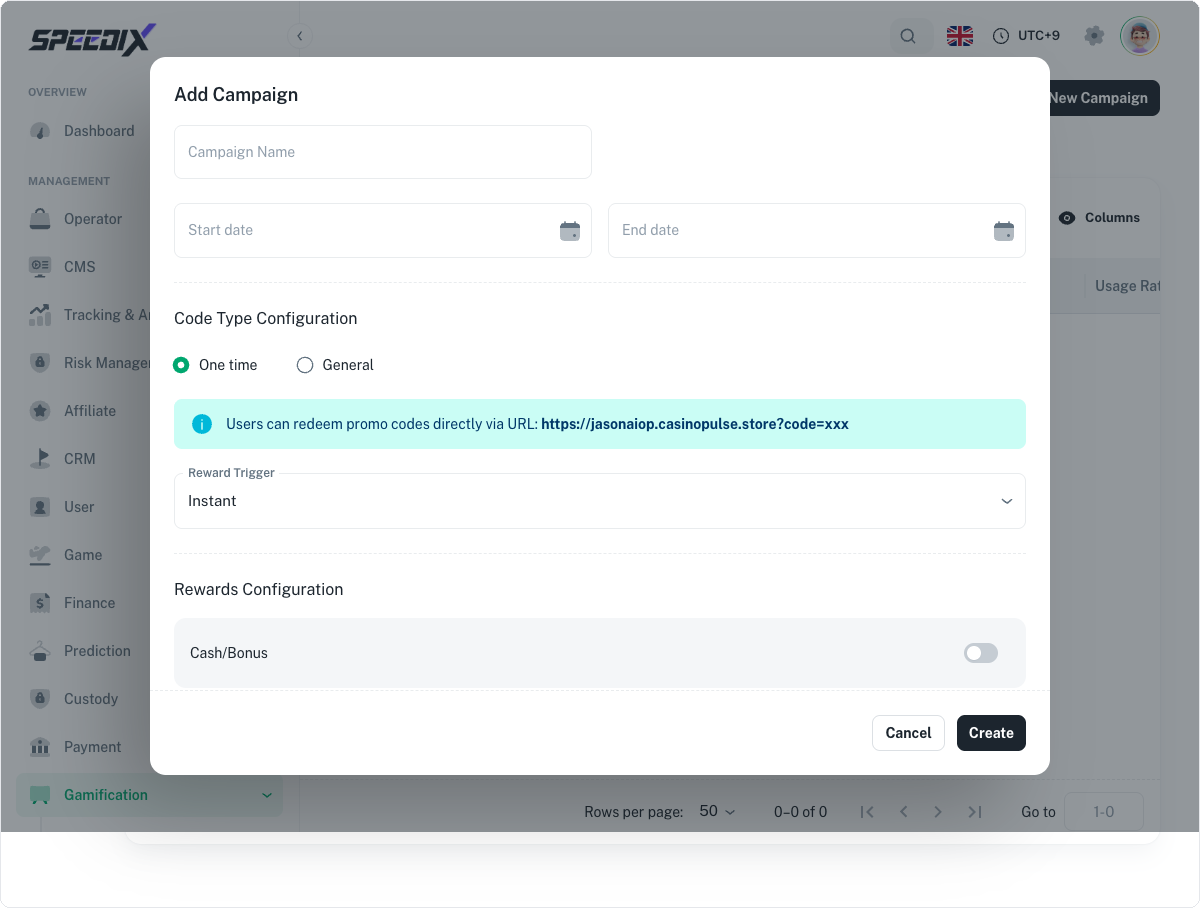
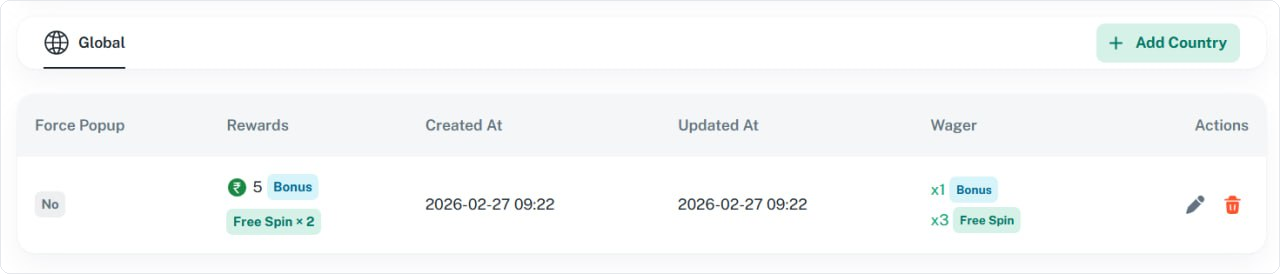
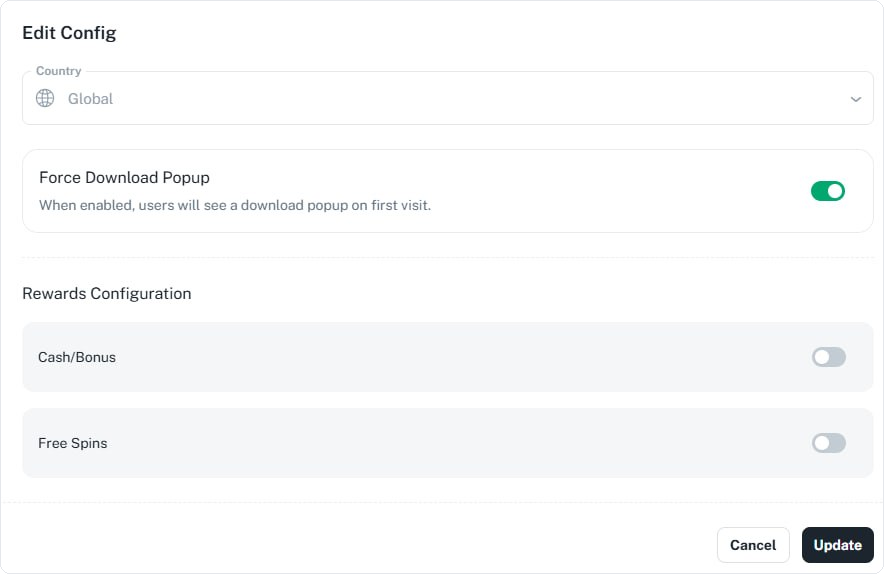
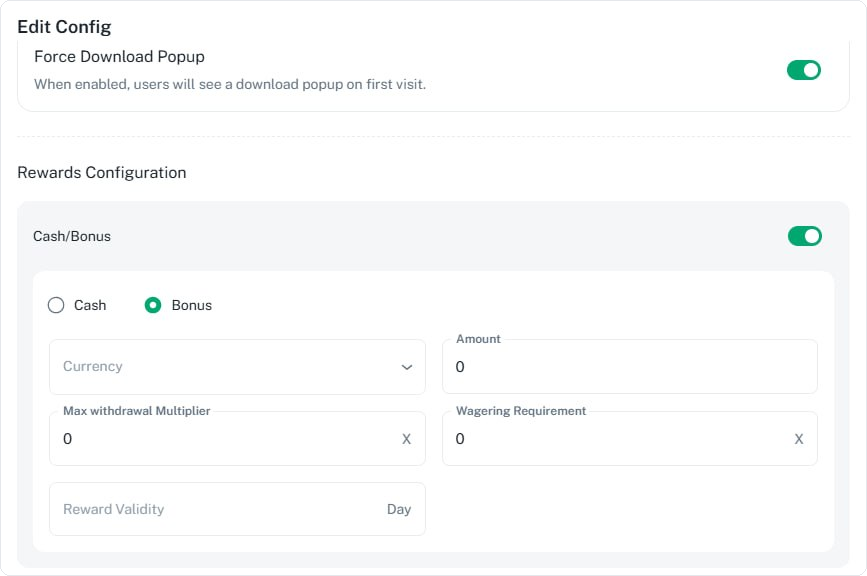
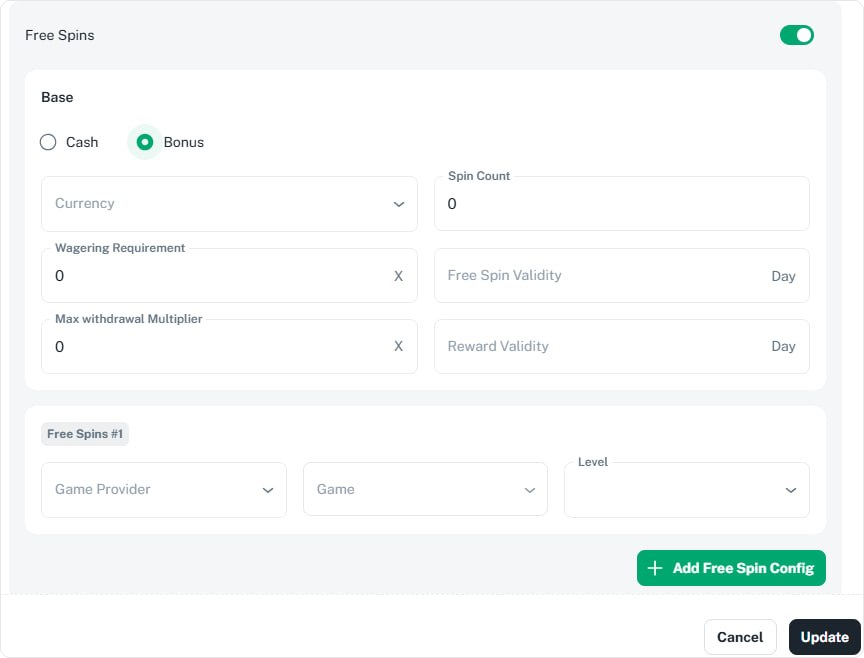
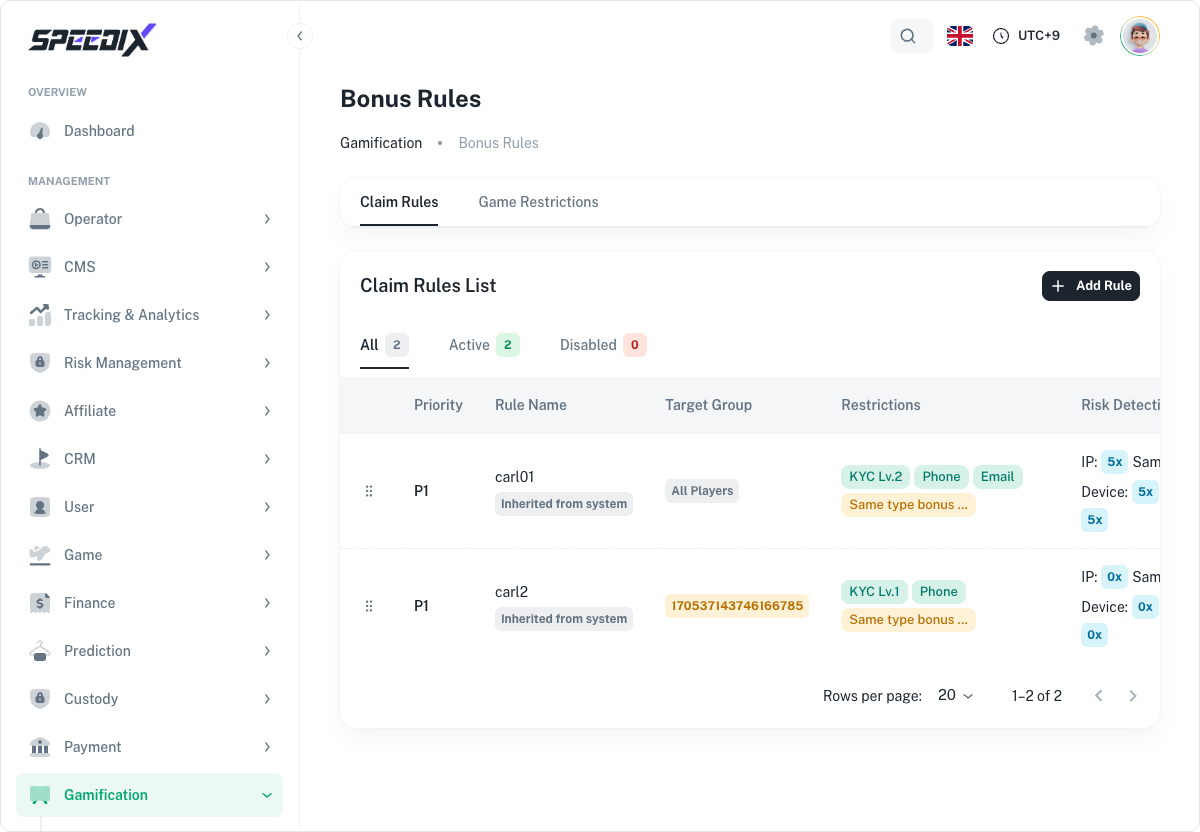
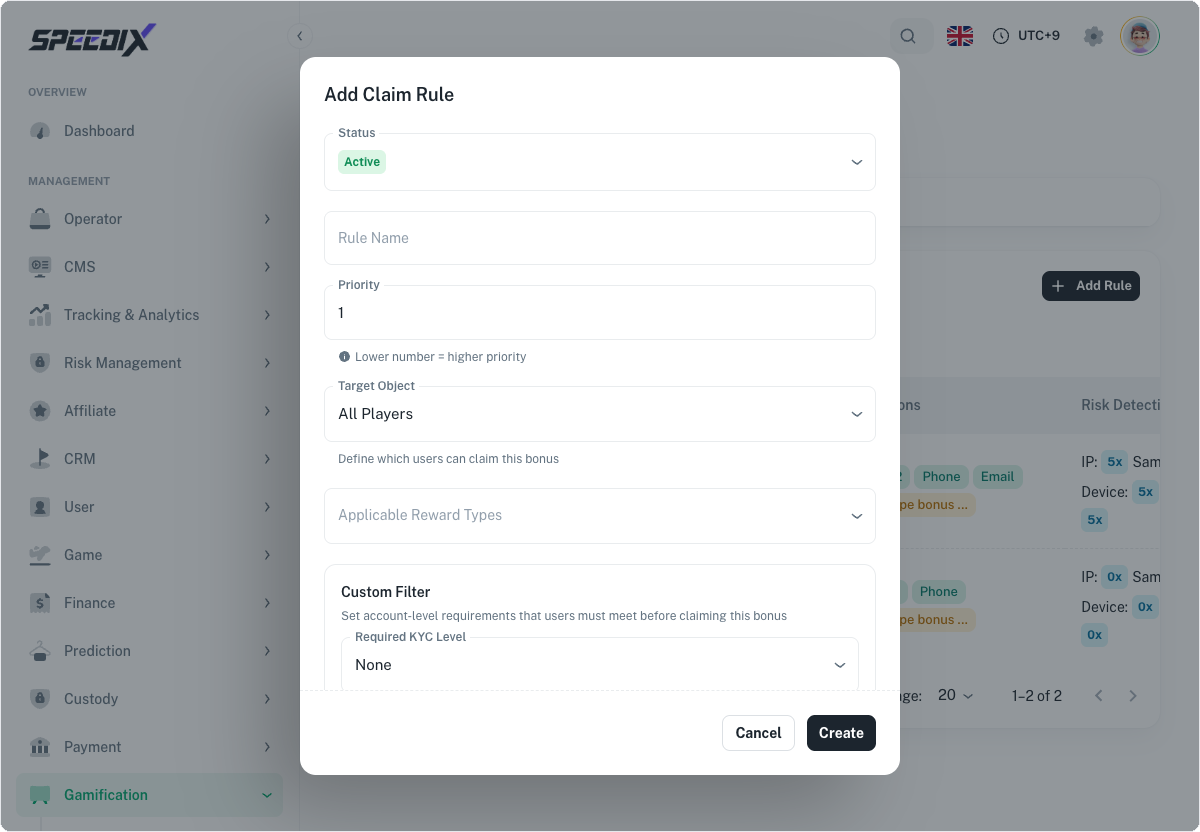
Figure 1 — Currency page overviewFigure 2 — Deduction Order dialogFigure 3 — Clear-bonus-on-withdrawal switchFigure 4 — Push Bet Limits to co-operation buttonFigure 5 — Currency rules tableFigure 6 — Edit Currency dialogFigure 1 — Deposit Reward page overview (Default Config view)Figure 2 — Status panel and Apply Configuration button after switching to Custom ConfigFigure 3 — Add New Deposit Sequence dialogFigure 4 — Edit Sequence dialog (opened by clicking the ✏️ pencil button)Figure 5 — Initial state of a newly added Tier (the three reward blocks are collapsed and disabled by default)Figure 6 — Tier 1 after the Sequence is expanded (includes the Bonus Money block)Figure 7 — Free Spins reward block (includes Free Spins #1 / #2 sub-cards)Figure 8 — Free Bet reward blockFigure 1 — Top of the VIP page (Default Config view)Figure 2 — Reward Expiry Type sectionFigure 3 — XP Config section (includes Deposit XP / Wagering XP formulas)Figure 4 — Settlement Schedule sectionFigure 5 — VIP Levels list (collapsed: Bronze + Silver)Figure 6 — After expanding a level's Show: Weekly/Monthly Rewards table + Rakeback tableFigure 7 — Edit VIP page: icon + name + Upgrade SettingsFigure 8 — Edit VIP page: Level Maintenance + Daily Loss BackFigure 9 — Loss Back Rate configuration: game type dropdownFigure 10 — Edit VIP page: Rakeback(Instant) + Rakeback(Daily) sectionsFigure 11 — Edit VIP page: Weekly Reward + Monthly Reward sectionsFigure 4.1 — Promo Code list (4 status tabs + Campaign table)Figure 4.2 — Add Campaign full dialogFigure 1 — App Download page overview (Global tab + sample table rows)Figure 2 — Edit Config dialog (collapsed: Country + Force Download Popup + Rewards Configuration entry)Figure 3 — Cash/Bonus block fields after expansionFigure 4 — Free Spins block fields after expansion (Base card + sub-game configuration)Figure 6.1 — Bonus Rules list (Claim Rules / Game Restrictions dual tabs)Figure 6.2 — Add Claim Rule full dialog